
ONEXCEL TUTORIAL CATEGORY
Shortcuts & Faster Workflows
Excel shortcut and productivity workflow tutorials.
-

Find Any Sheet Fast in Excel
Read tutorial →: Find Any Sheet Fast in ExcelLearn find any sheet fast in excel with a practical Excel example, clear steps, and a quick verification check.
-
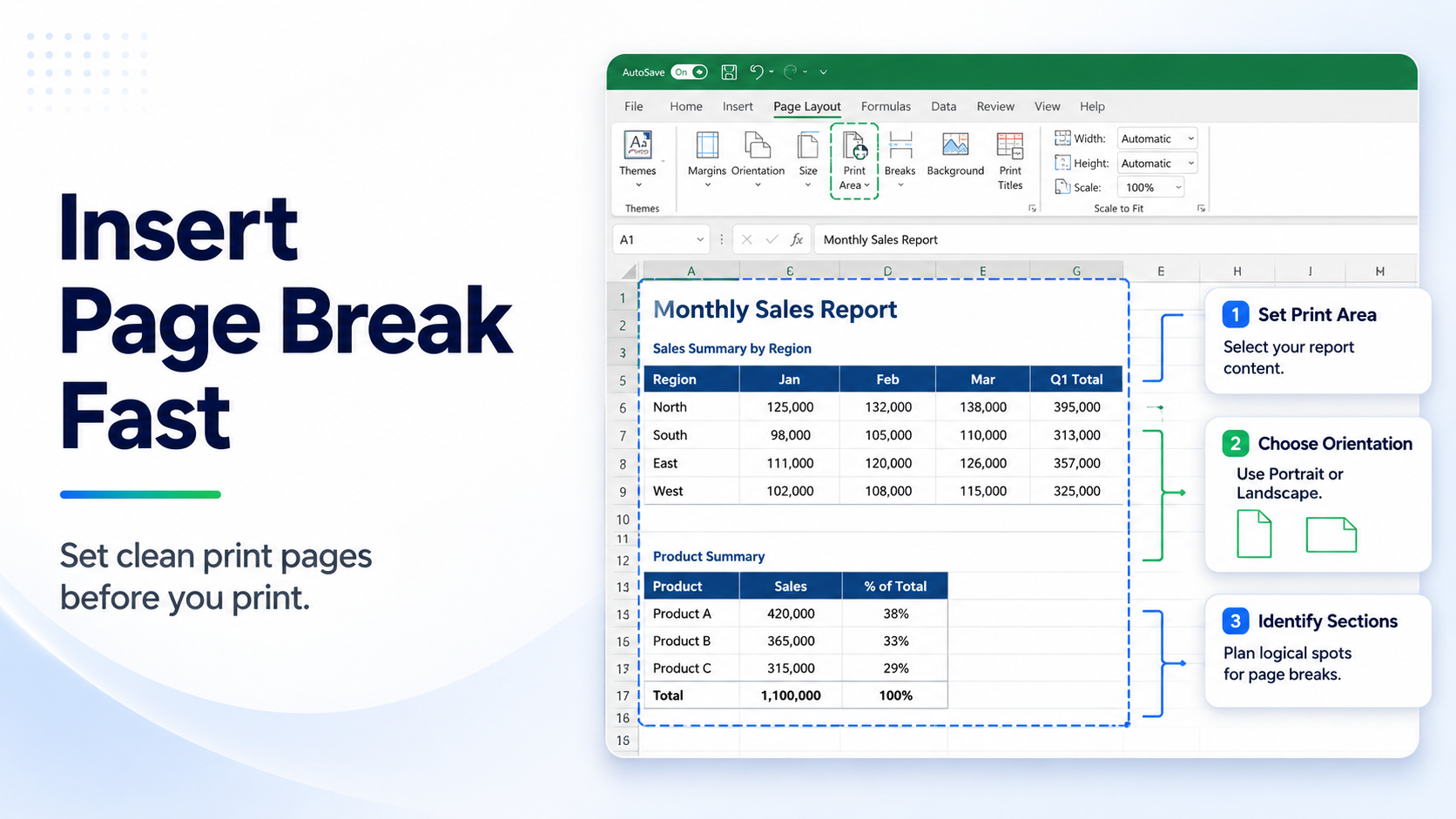
Insert Page Break Fast
Read tutorial →: Insert Page Break FastLearn insert page break fast with a practical Excel example, clear steps, and a quick verification check.
-
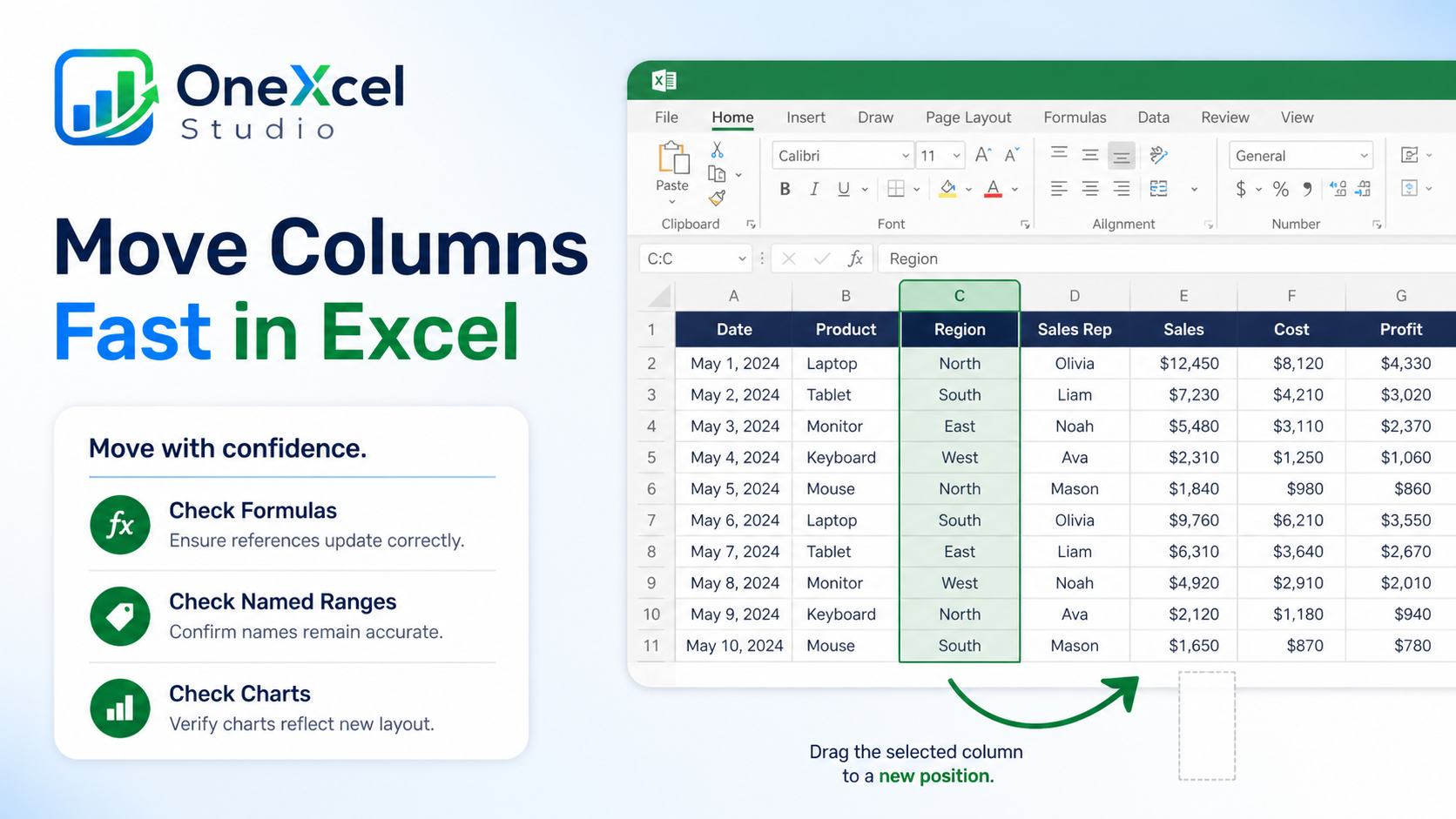
Move Columns Fast in Excel
Read tutorial →: Move Columns Fast in ExcelLearn move columns fast in excel with a practical Excel example, clear steps, and a quick verification check.
-

How to Use Go To Special for Faster Excel Cleanup
Read tutorial →: How to Use Go To Special for Faster Excel CleanupUse Excel Go To Special to select blanks, formulas, constants, visible cells, and other targeted ranges for faster cleanup and review.
-
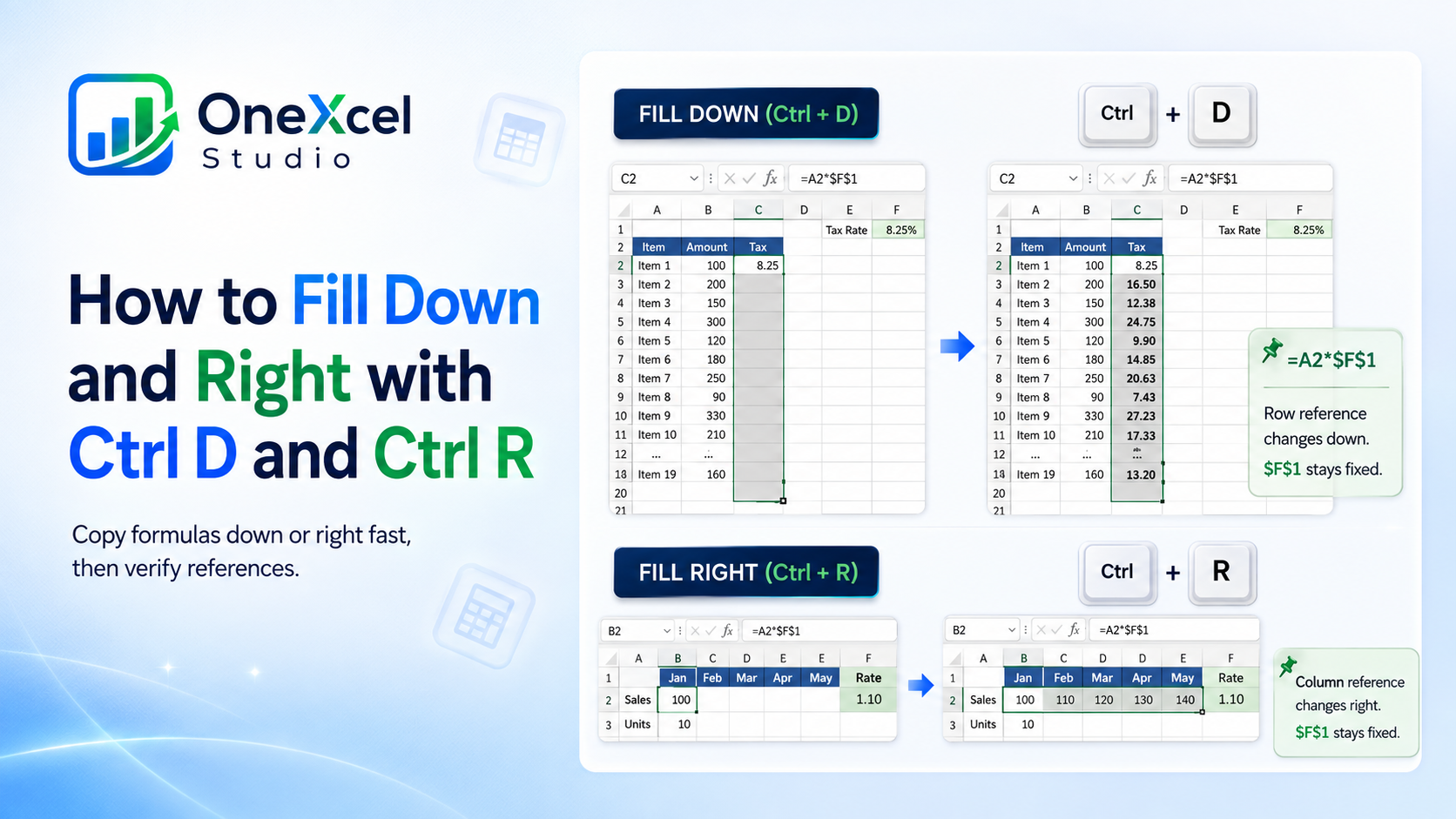
How to Fill Down and Right with Ctrl D and Ctrl R
Read tutorial →: How to Fill Down and Right with Ctrl D and Ctrl RUse Ctrl D and Ctrl R to fill formulas or values down and right in Excel, then confirm that relative references adjusted correctly.
-
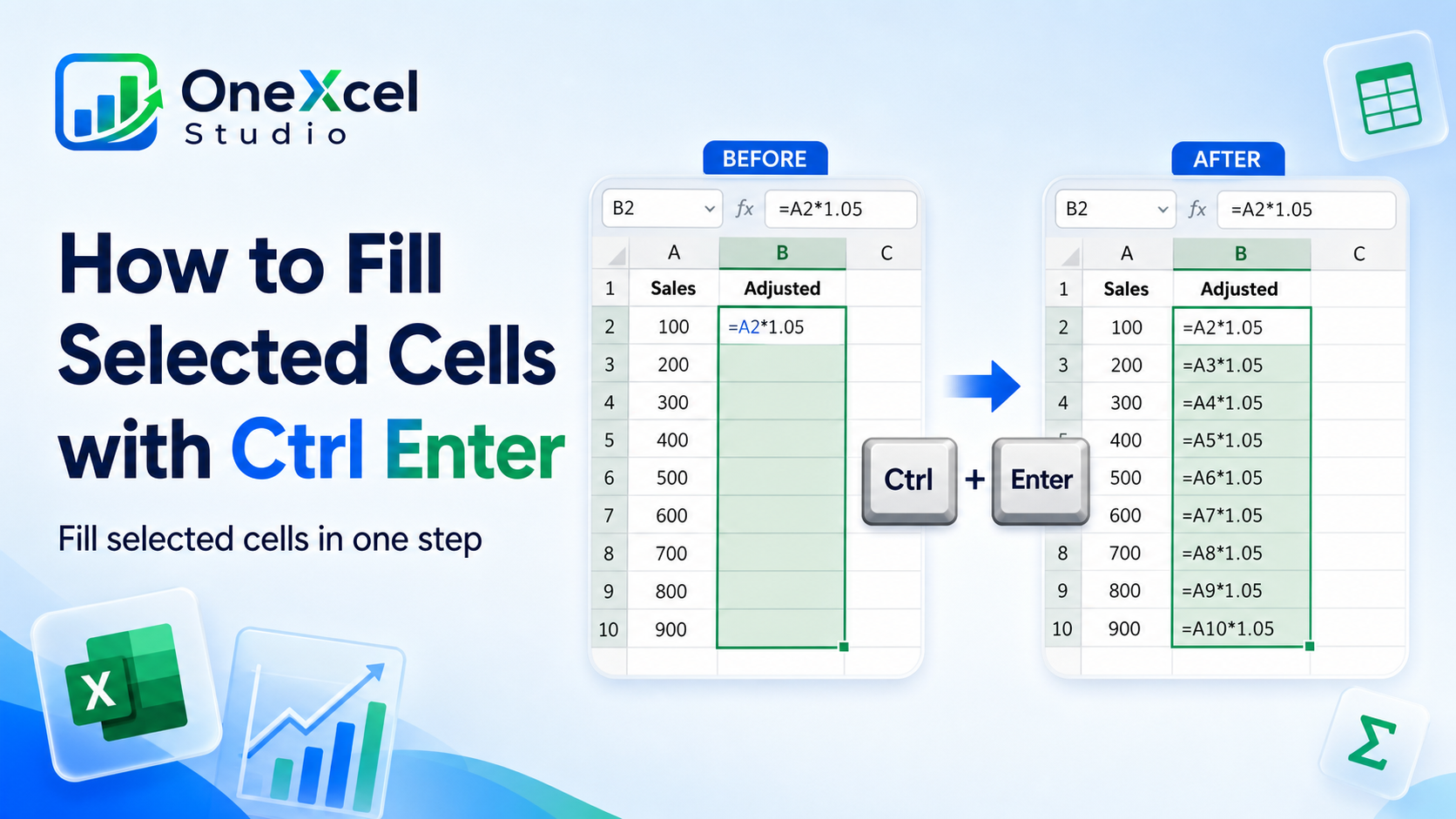
How to Fill Selected Cells with Ctrl Enter
Read tutorial →: How to Fill Selected Cells with Ctrl EnterFill multiple selected Excel cells at once with Ctrl Enter, including nonadjacent cells and formulas that should adjust by row.
-
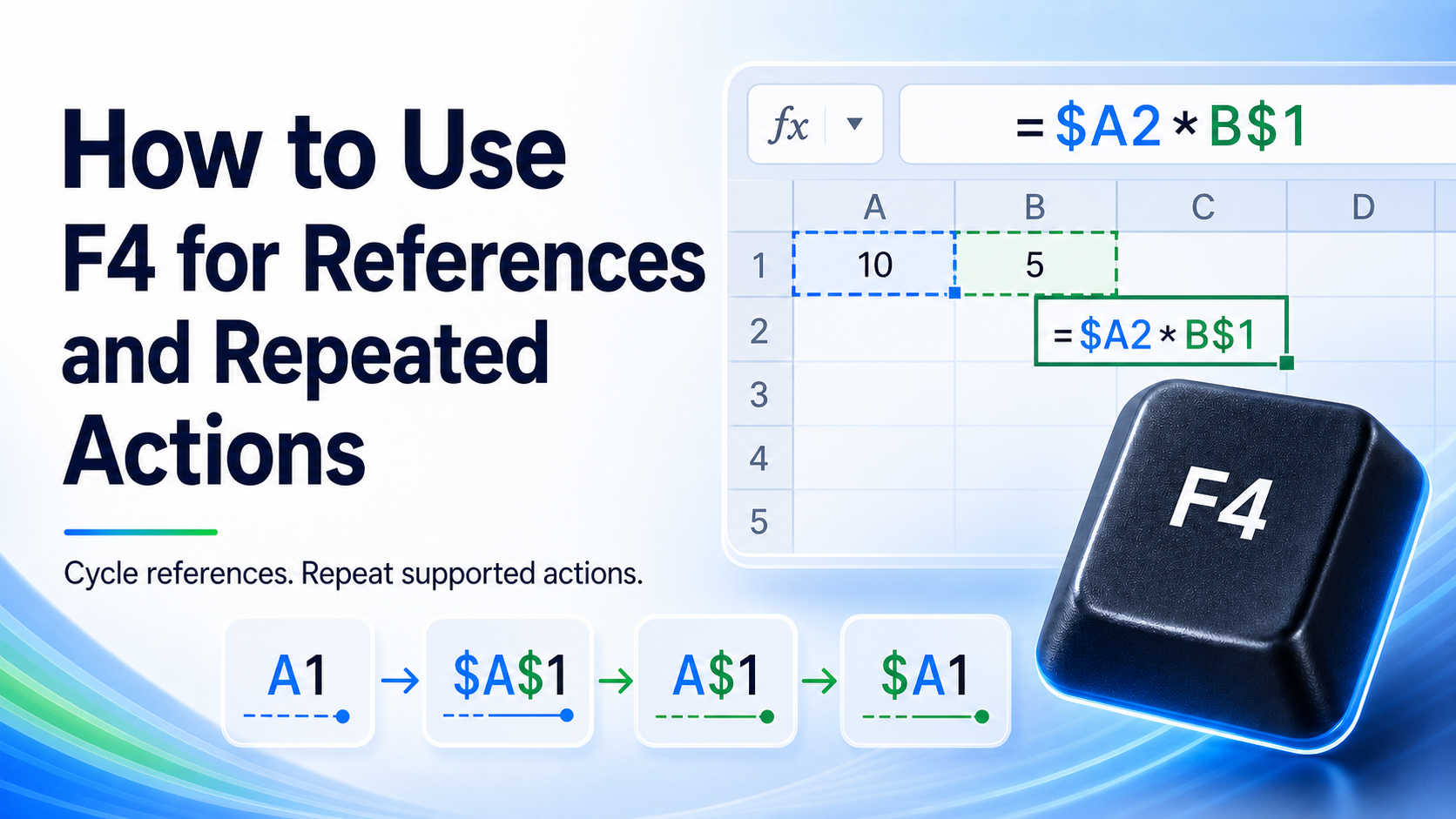
How to Use F4 for References and Repeated Actions
Read tutorial →: How to Use F4 for References and Repeated ActionsUse F4 in Excel to cycle relative and absolute references while editing formulas or repeat the last supported worksheet action.
-
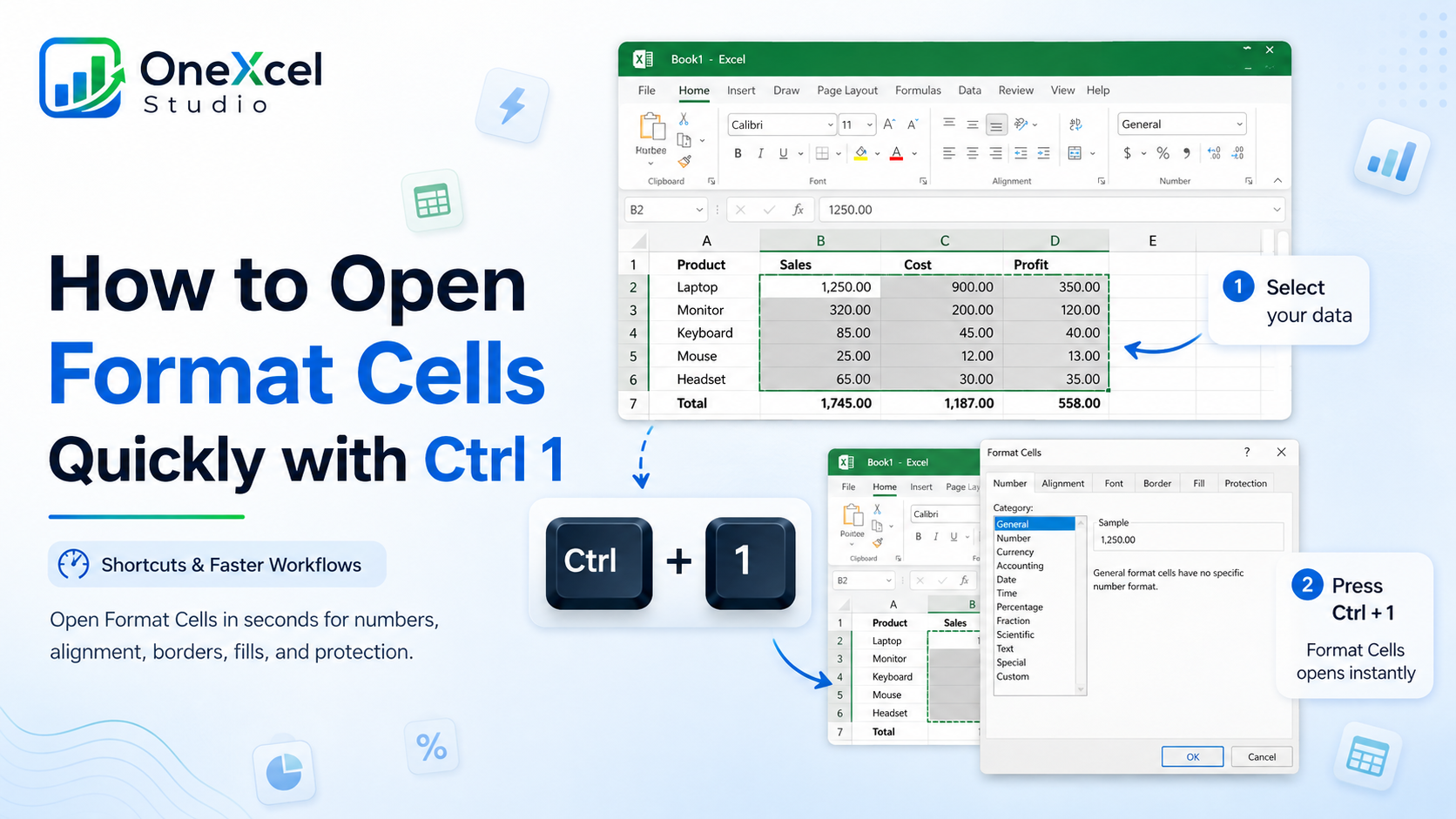
How to Open Format Cells Quickly with Ctrl 1
Read tutorial →: How to Open Format Cells Quickly with Ctrl 1Open Excel’s Format Cells dialog with Ctrl 1 and use it to change number formats, alignment, borders, fills, and protection.
-
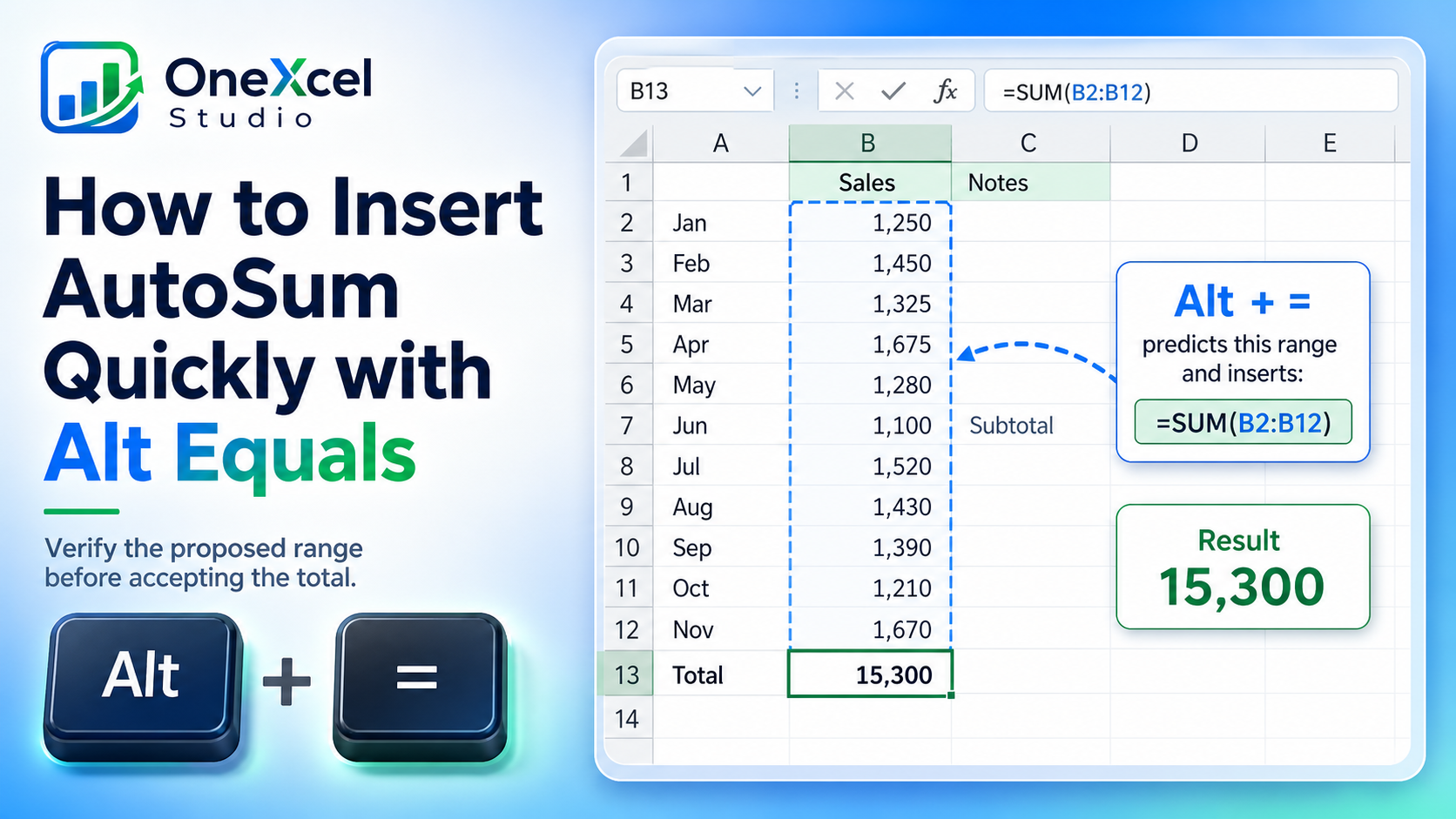
How to Insert AutoSum Quickly with Alt Equals
Read tutorial →: How to Insert AutoSum Quickly with Alt EqualsInsert an Excel SUM formula quickly with Alt plus Equals, then verify the proposed range before accepting the total.
-
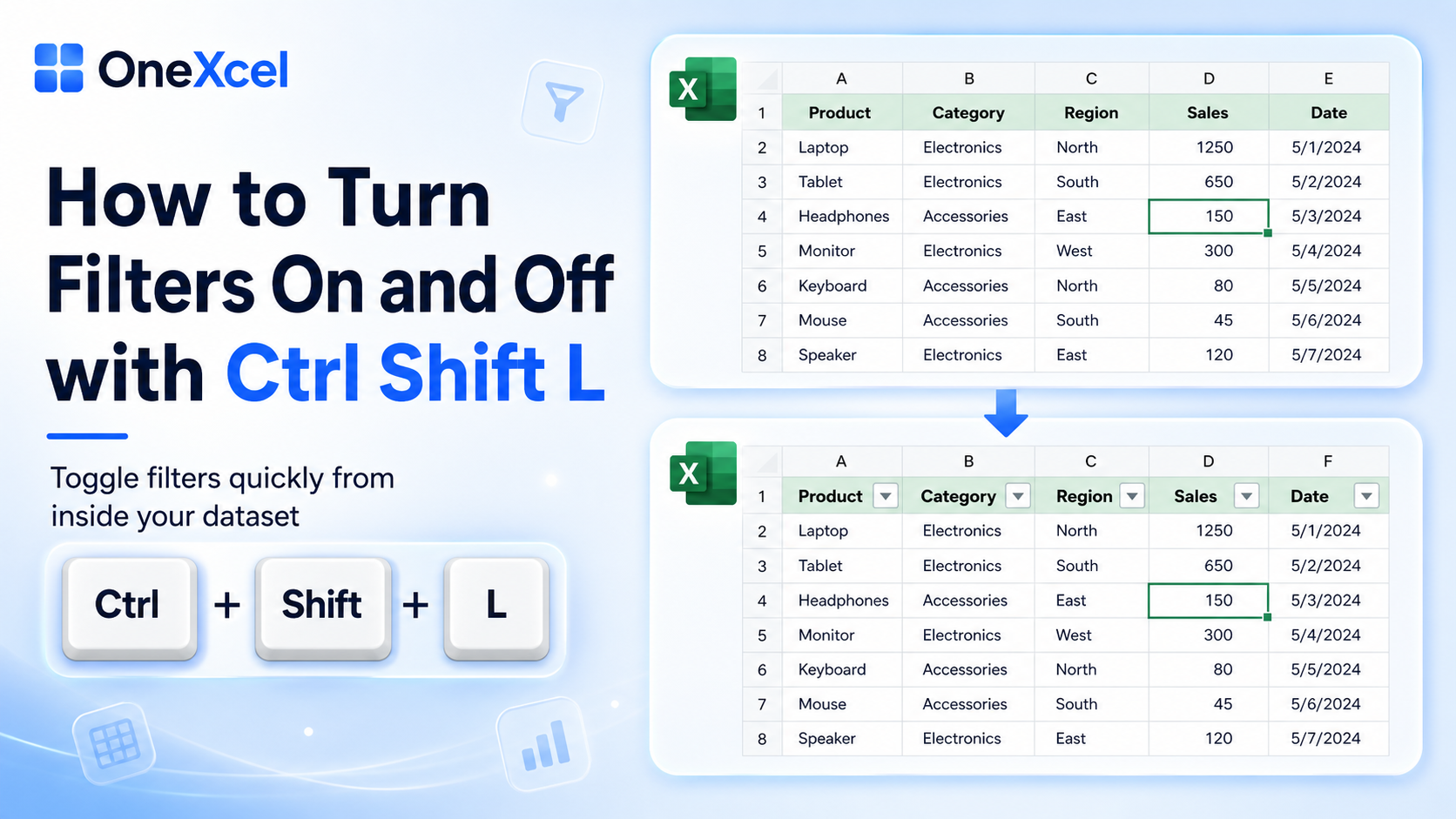
How to Turn Filters On and Off with Ctrl Shift L
Read tutorial →: How to Turn Filters On and Off with Ctrl Shift LUse Ctrl Shift L to toggle Excel filters quickly, confirm the correct header row, and continue filtering without reaching for the ribbon.