

Build better
Excel dashboards. Faster.
Turn your spreadsheet data into clear reports
and dashboards built around your work.
Turn your data into
structured reports.
Start with a clear reporting layer. Give your spreadsheet data a useful structure before bringing it into a dashboard.
Explore the reporting workflow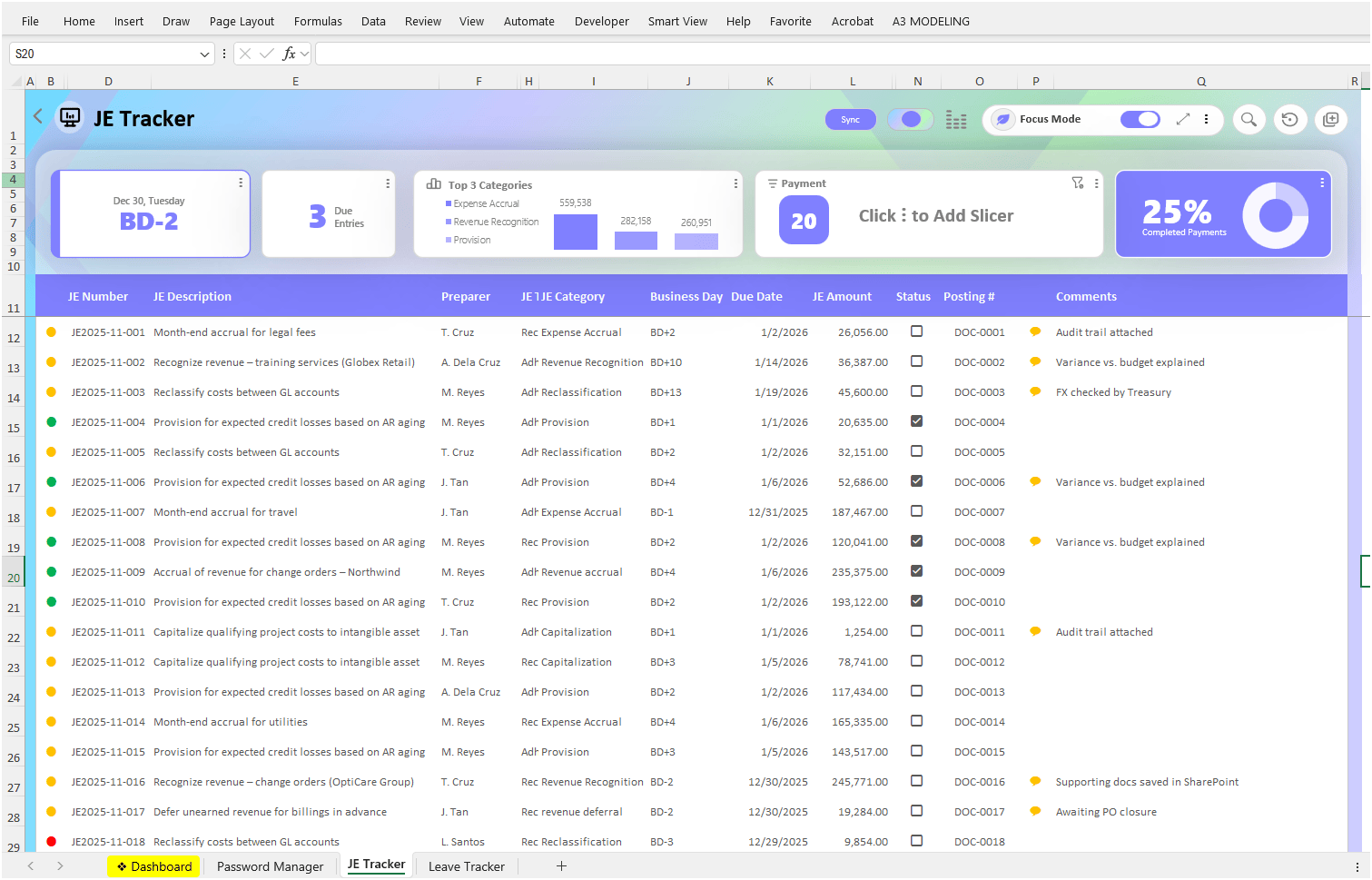
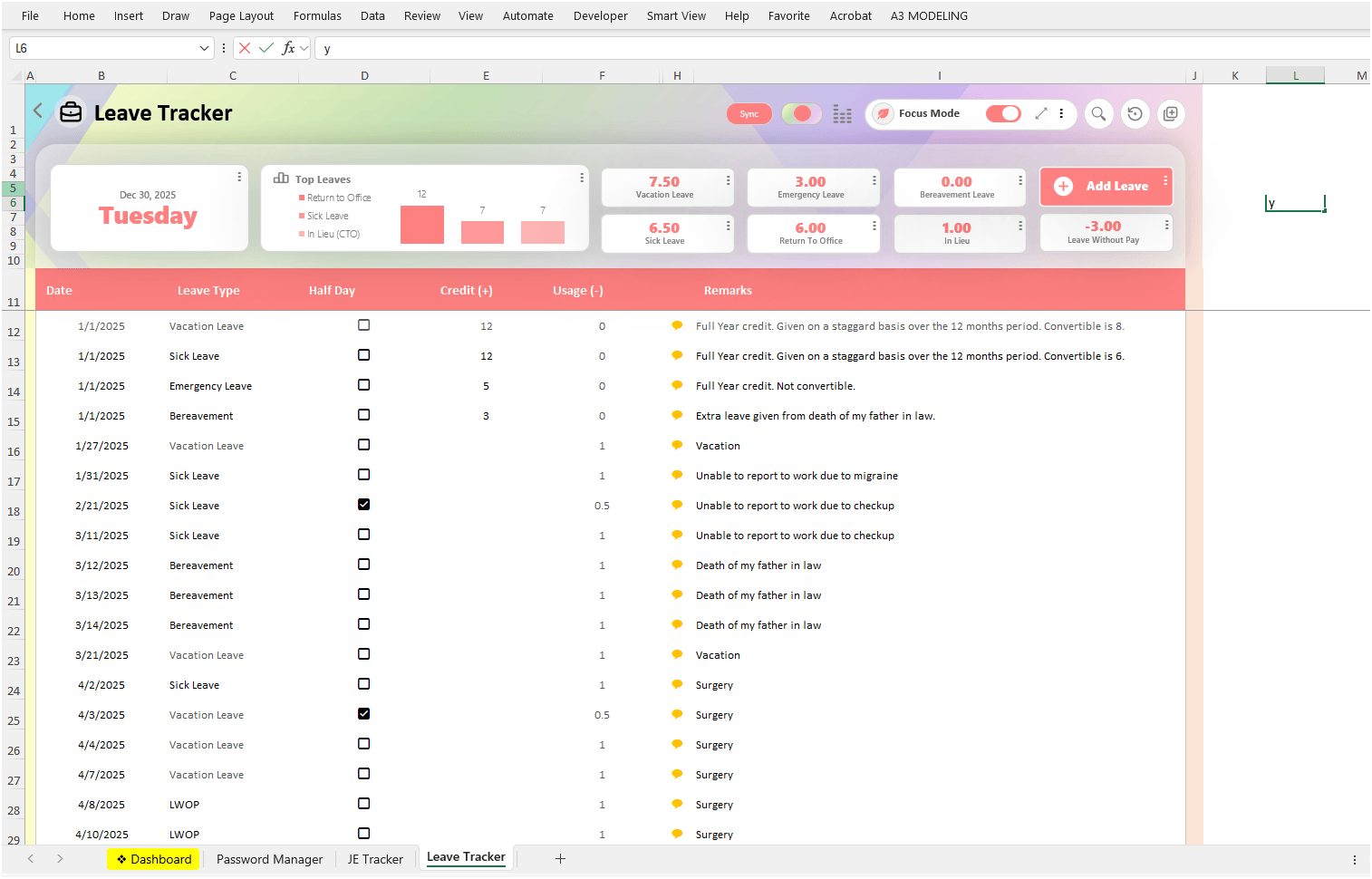
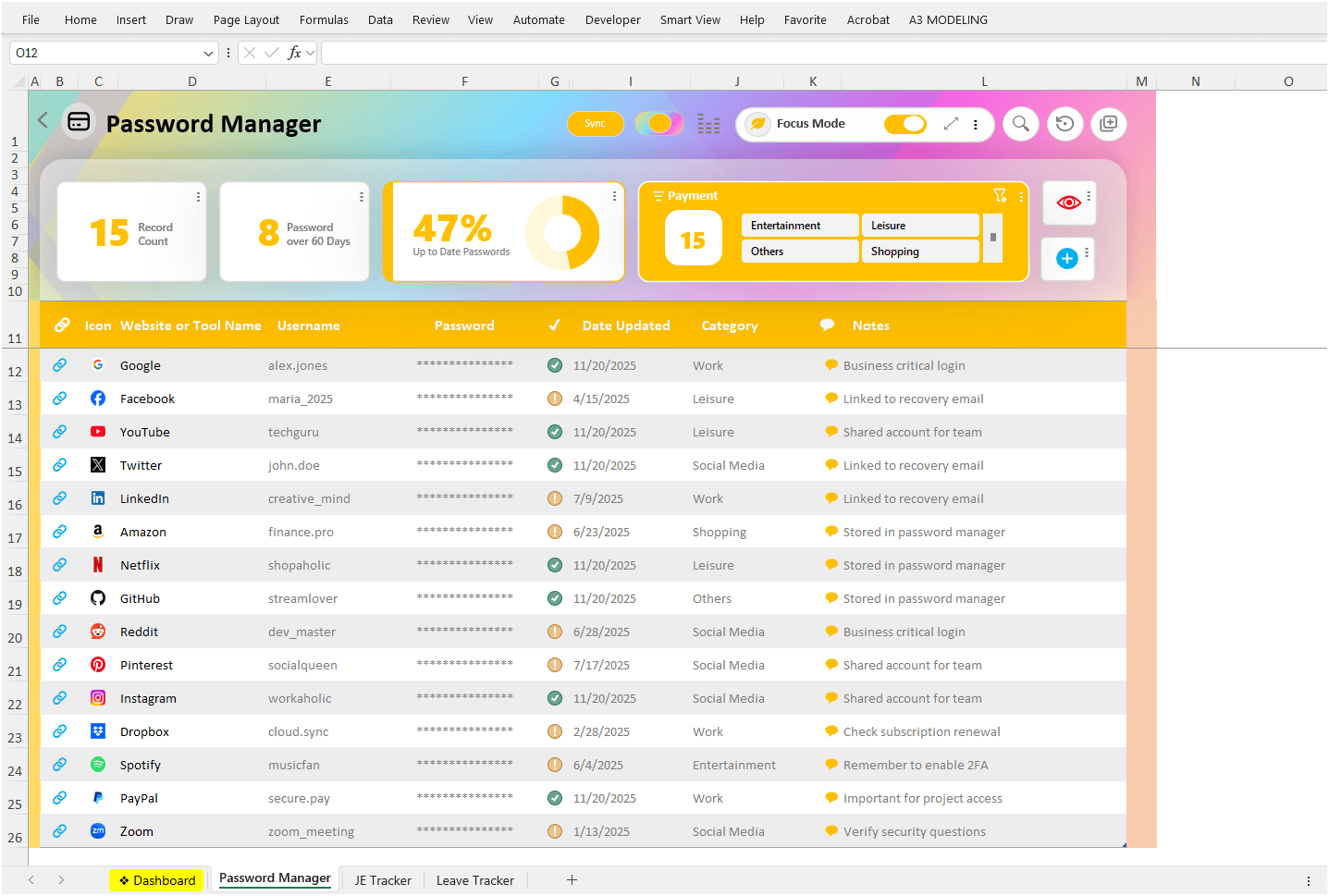

Build dashboards without
rebuilding everything.
Bring the details that matter into view. Arrange OneXcel’s cards around your reports and the way you work.
Meet the Dashboard BuilderStart with a preset.
Make it yours.
A focused starting point for actions, information, and report formatting.
Explore all presets
Button Presets
Put a useful action within reach. Explore presets for adding rows, clearing columns, and more.
Explore Button Presets
Info Presets
Keep useful context close to your work. Explore the Info Card collection and see what’s coming next.
Explore Info Presets
Column Presets
Make report columns easier to scan with dropdown lists, status fills, and colored-circle indicators.
Explore Column PresetsSee what you can build.
Reports, cards, and actions. One connected view of your work.
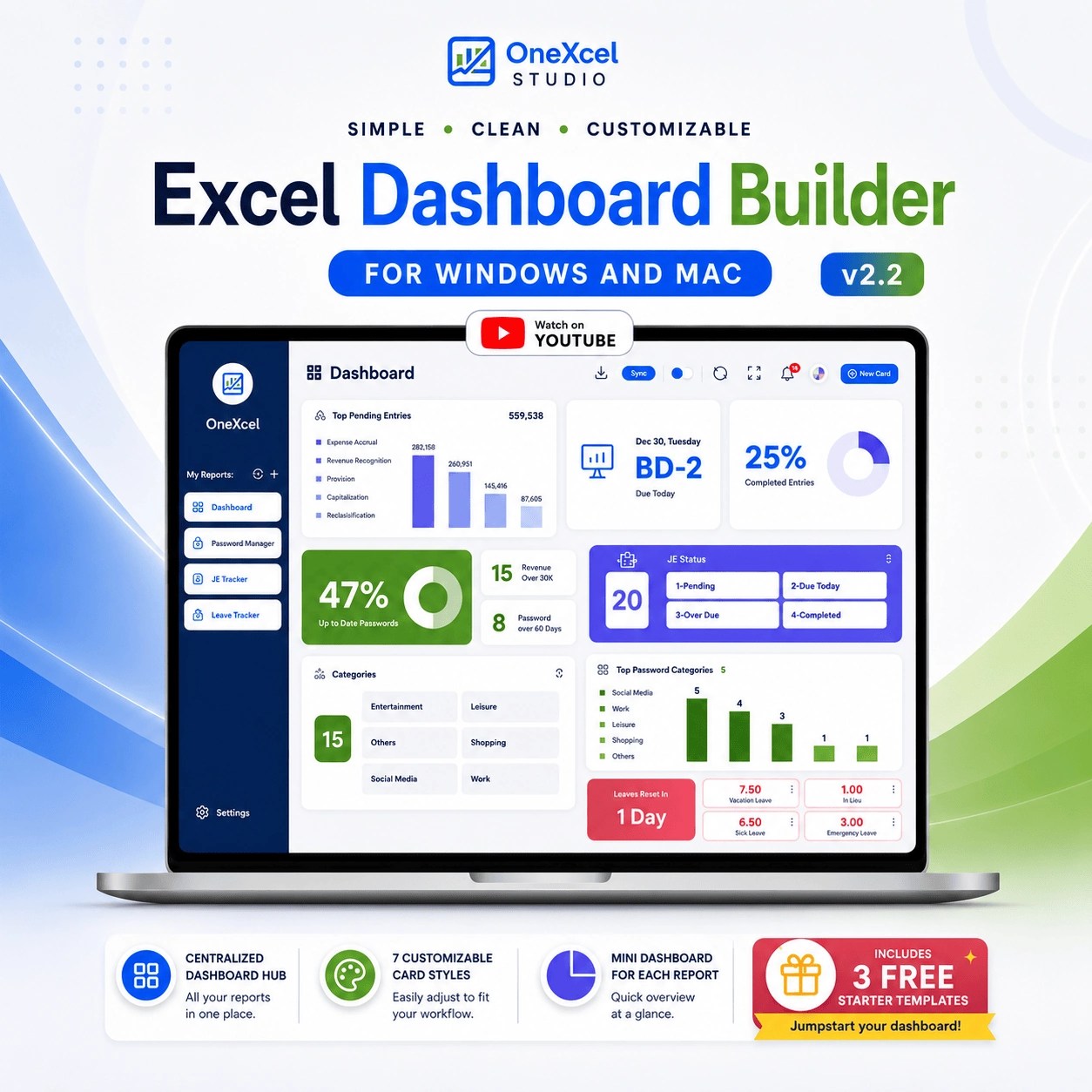
Dashboard Builder v2.2
Start from a structured foundation for interactive Excel dashboards, with three starter templates included.
View template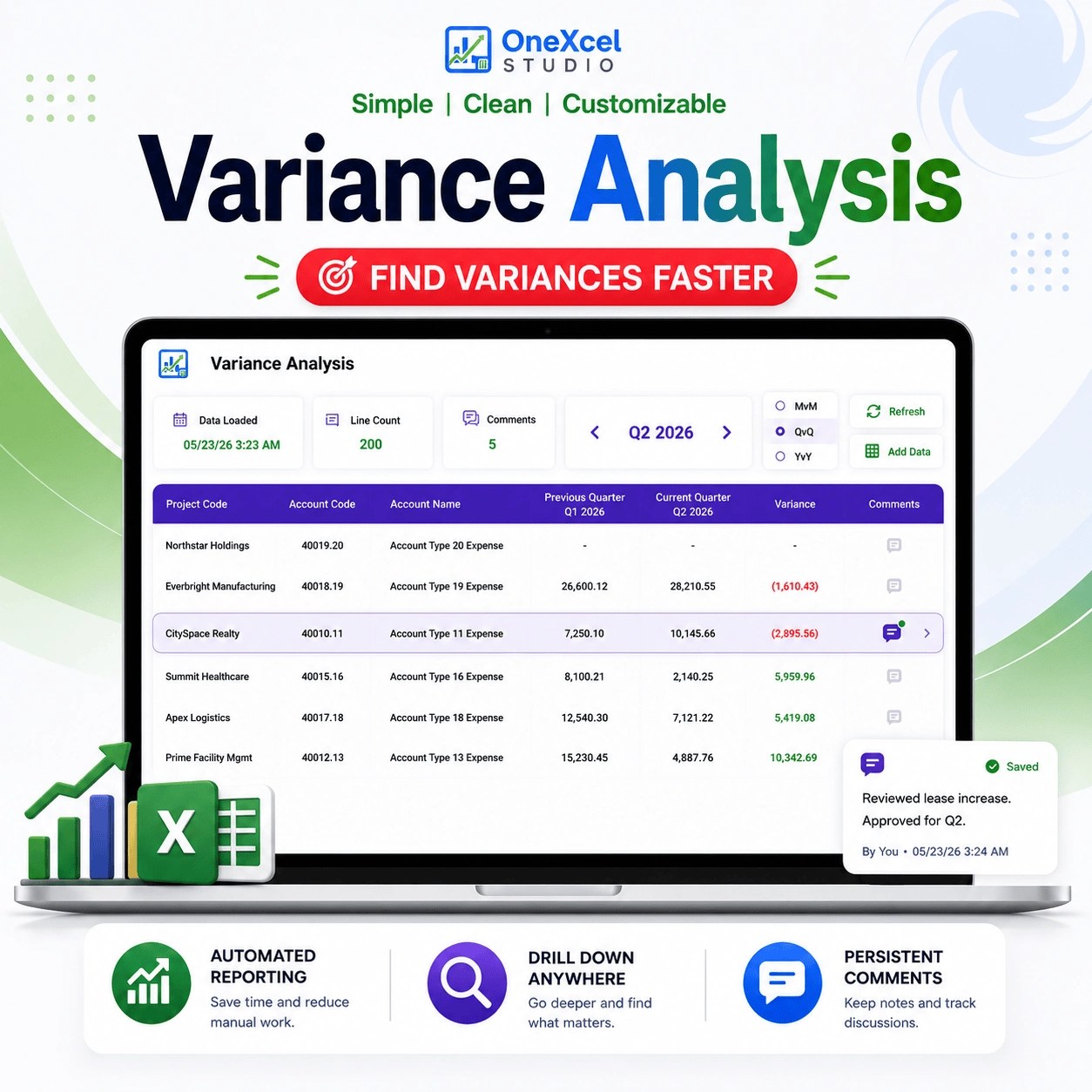
Variance Analysis Dashboard
Review financial variances and general-ledger detail in a structured Excel reporting dashboard.
View template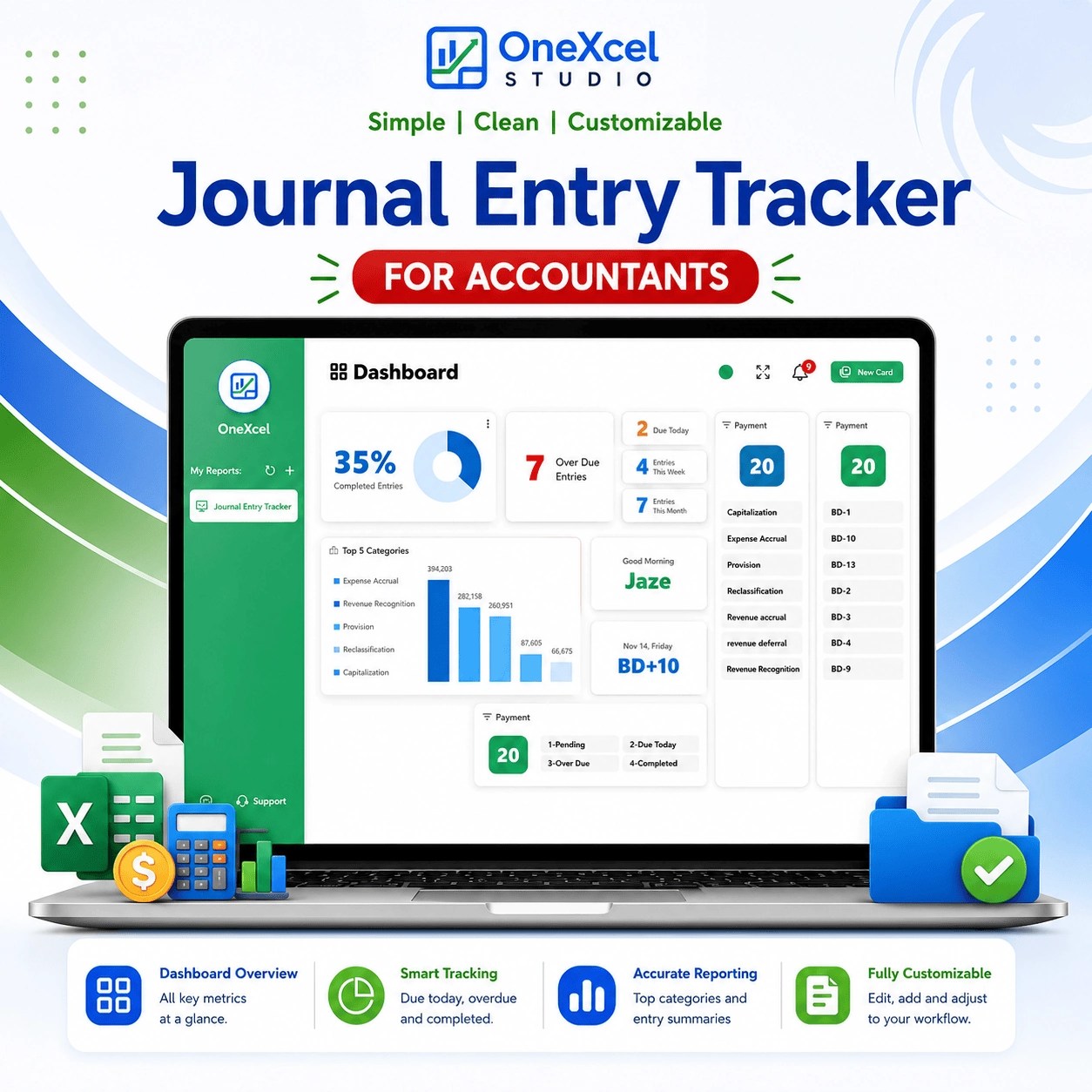
Journal Entry Tracker
Organize journal entries and month-end close activity in one structured Excel tracker.
View template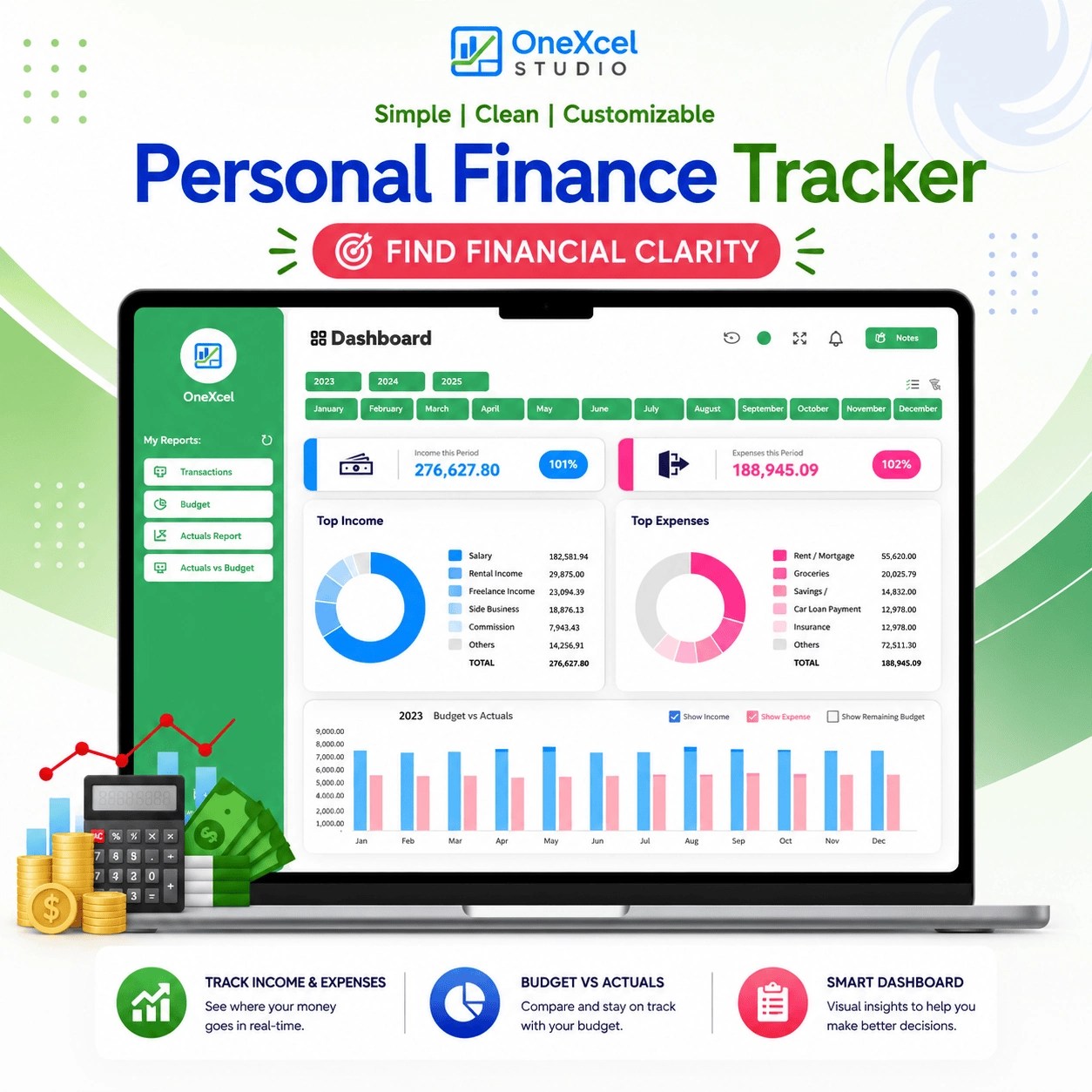
Personal Finance Tracker
Track income, expenses, and budget activity in one Excel dashboard.
View template
Etsy Sales Tracker
Review Etsy sales and cash activity using CSV-based Excel tracking.
View template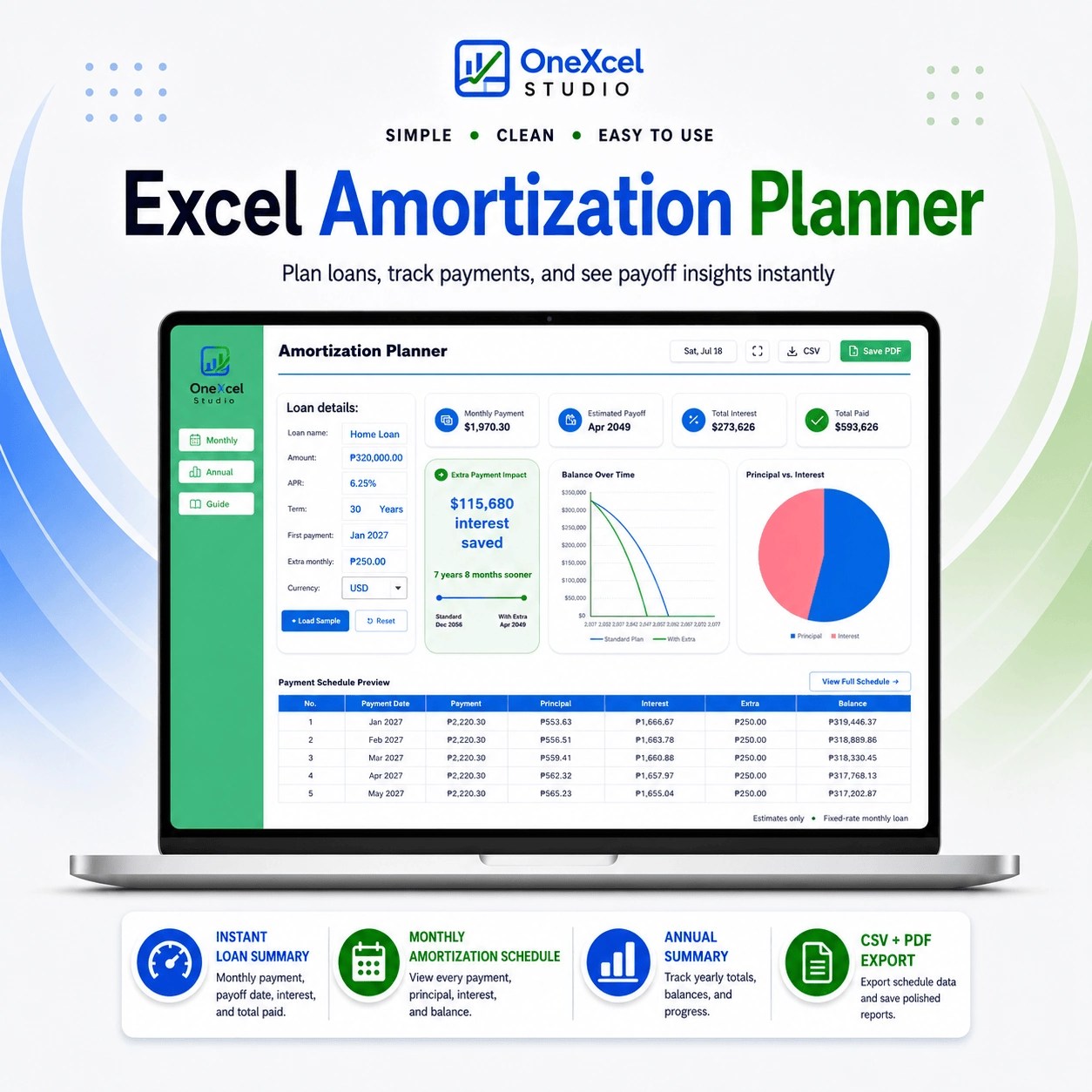
Loan Amortization Calculator
Calculate loan payments and review monthly and annual repayment schedules in Excel.
View template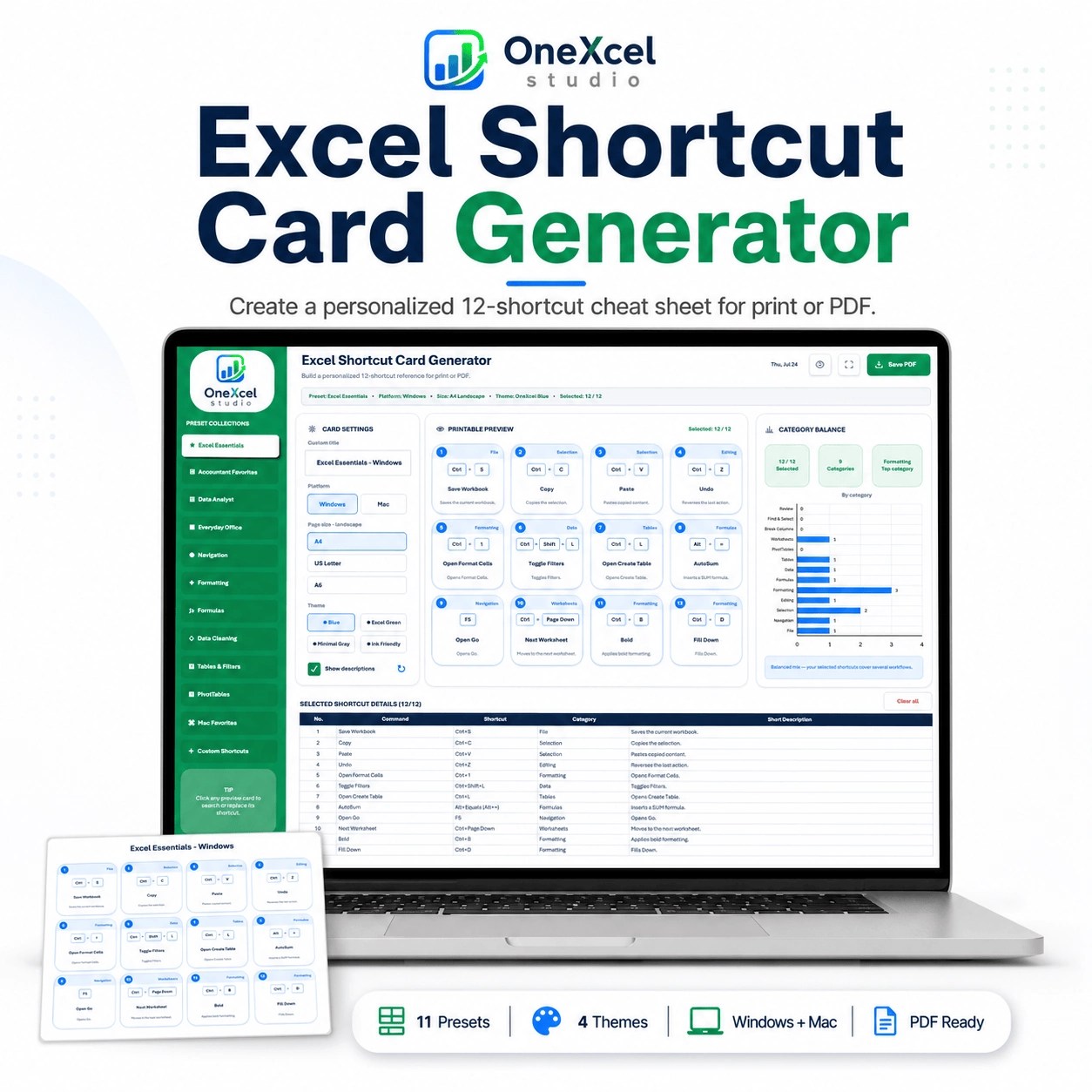
Excel Shortcut Card Generator
Create a customized Excel shortcut cheat sheet for reference, training, or printing.
View template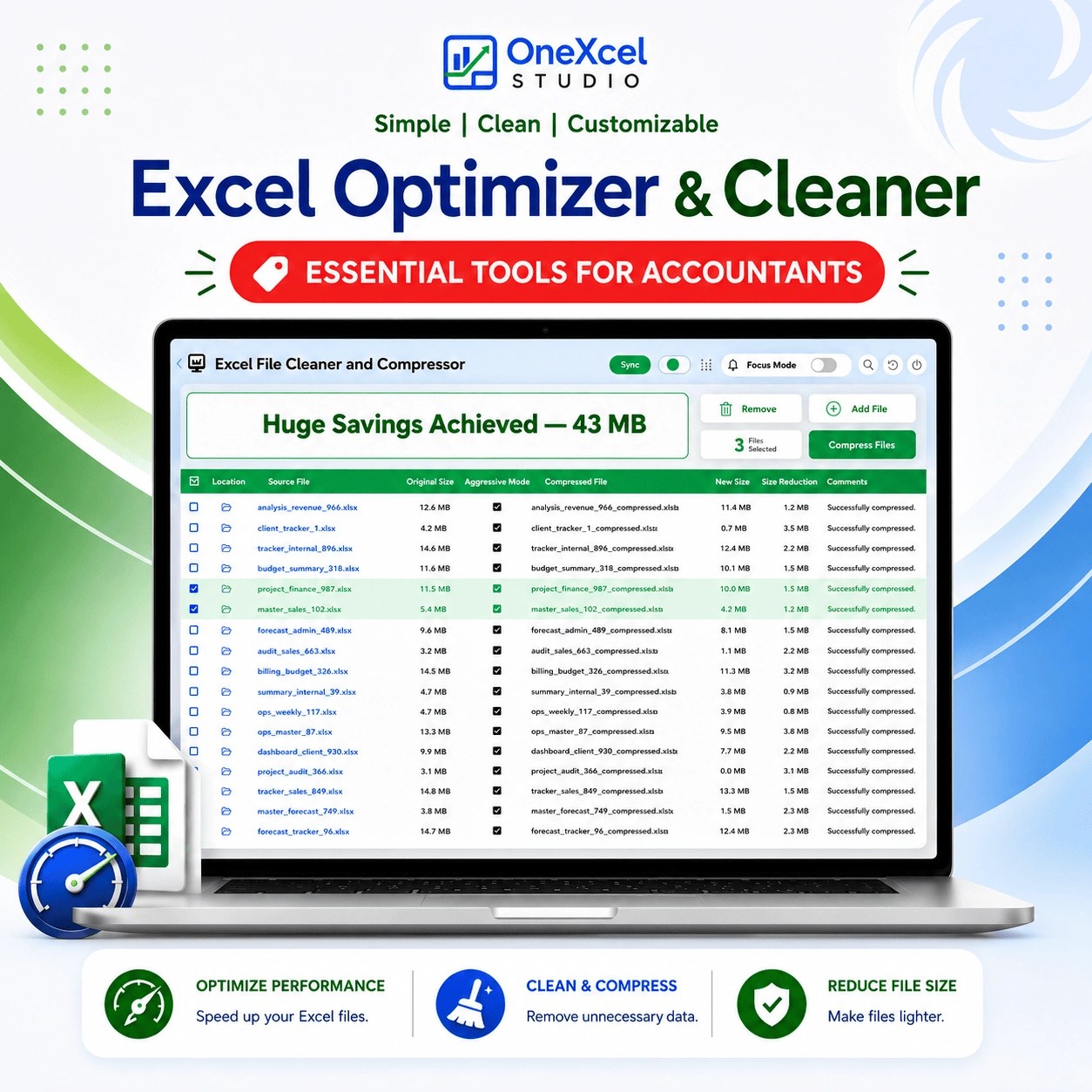
Excel Optimizer
Clean and compress slow Excel files with a focused workbook utility.
View template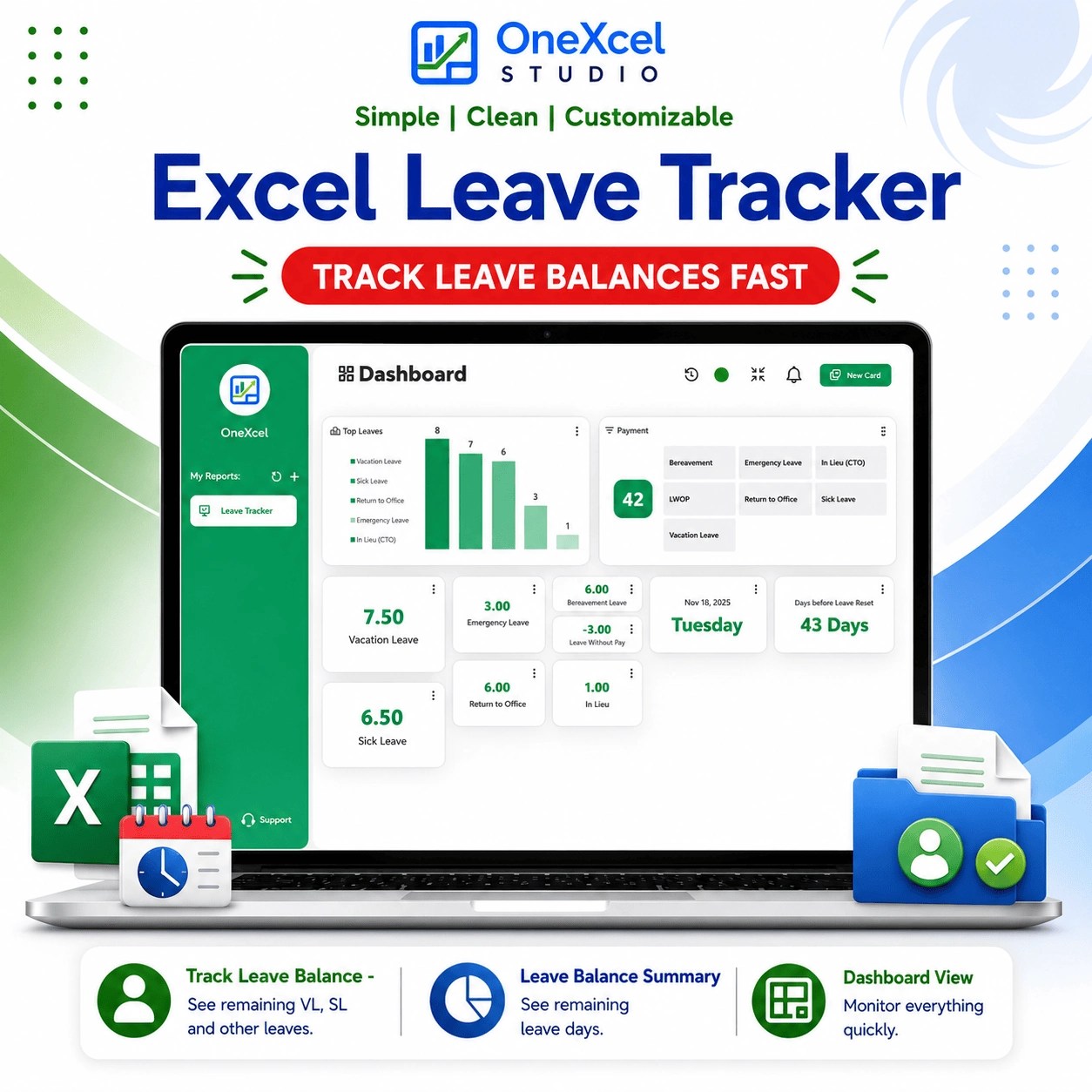
Leave Tracker
Monitor PTO, vacation, and sick leave in a clear Excel dashboard.
View templateStart with Builder Lite.
Get the free Excel workbook by email.
Build up to four reports and explore the Lite workflow.
For desktop Excel on Windows and Mac. Macros must be enabled.
What’s included in Builder Lite