
SHORTCUTS & FASTER WORKFLOWS
How to Use F4 for References and Repeated Actions
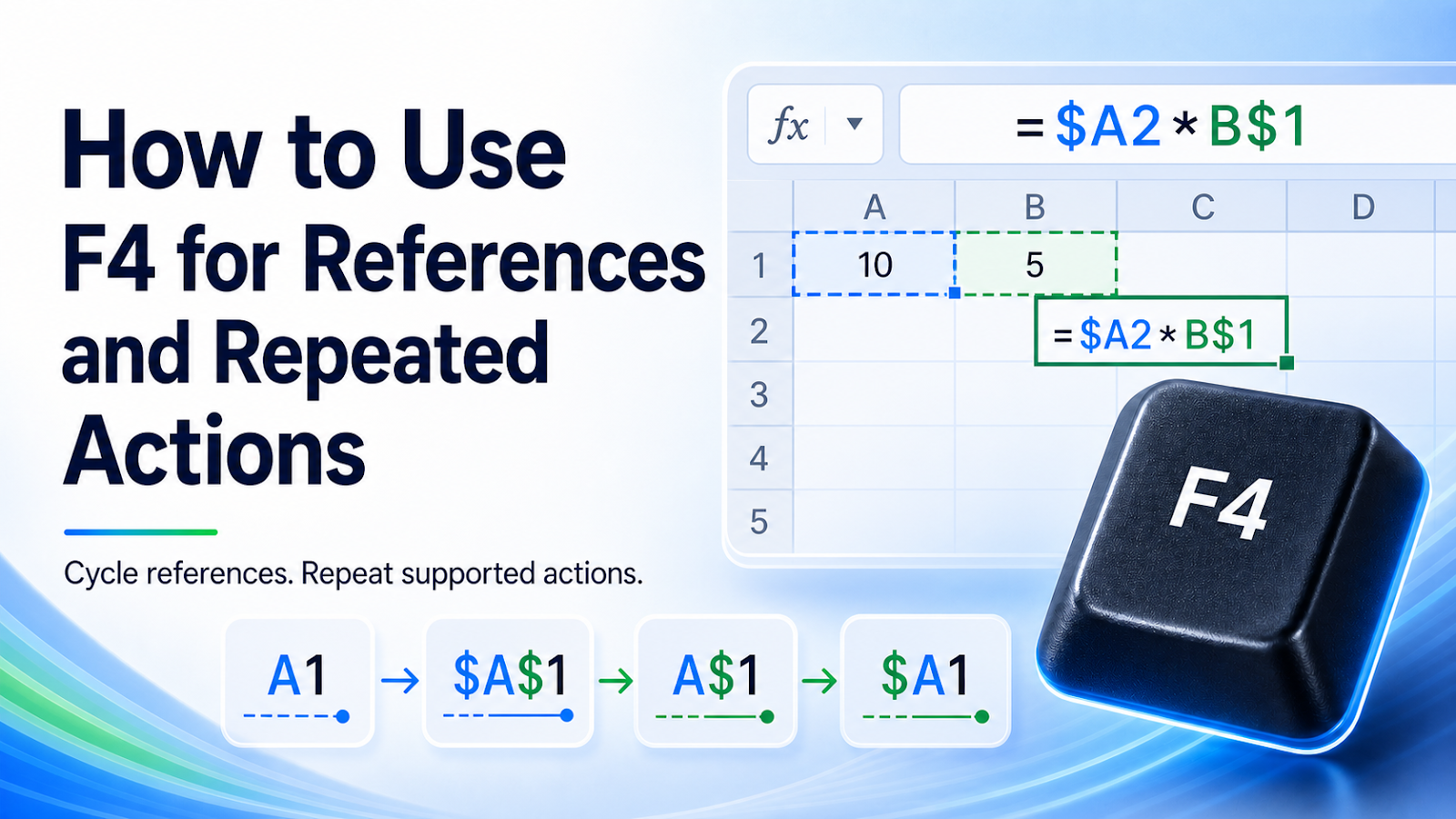
Use F4 in Excel to cycle relative and absolute references while editing formulas or repeat the last supported worksheet action.
What F4 does
While editing a formula and selecting a reference, F4 cycles through relative, absolute, and mixed references. Outside formula editing, it may repeat the last repeatable worksheet action.
Use the shortcut step by step
- Enter or edit a formula.
- Place the cursor on a cell reference or select that reference text.
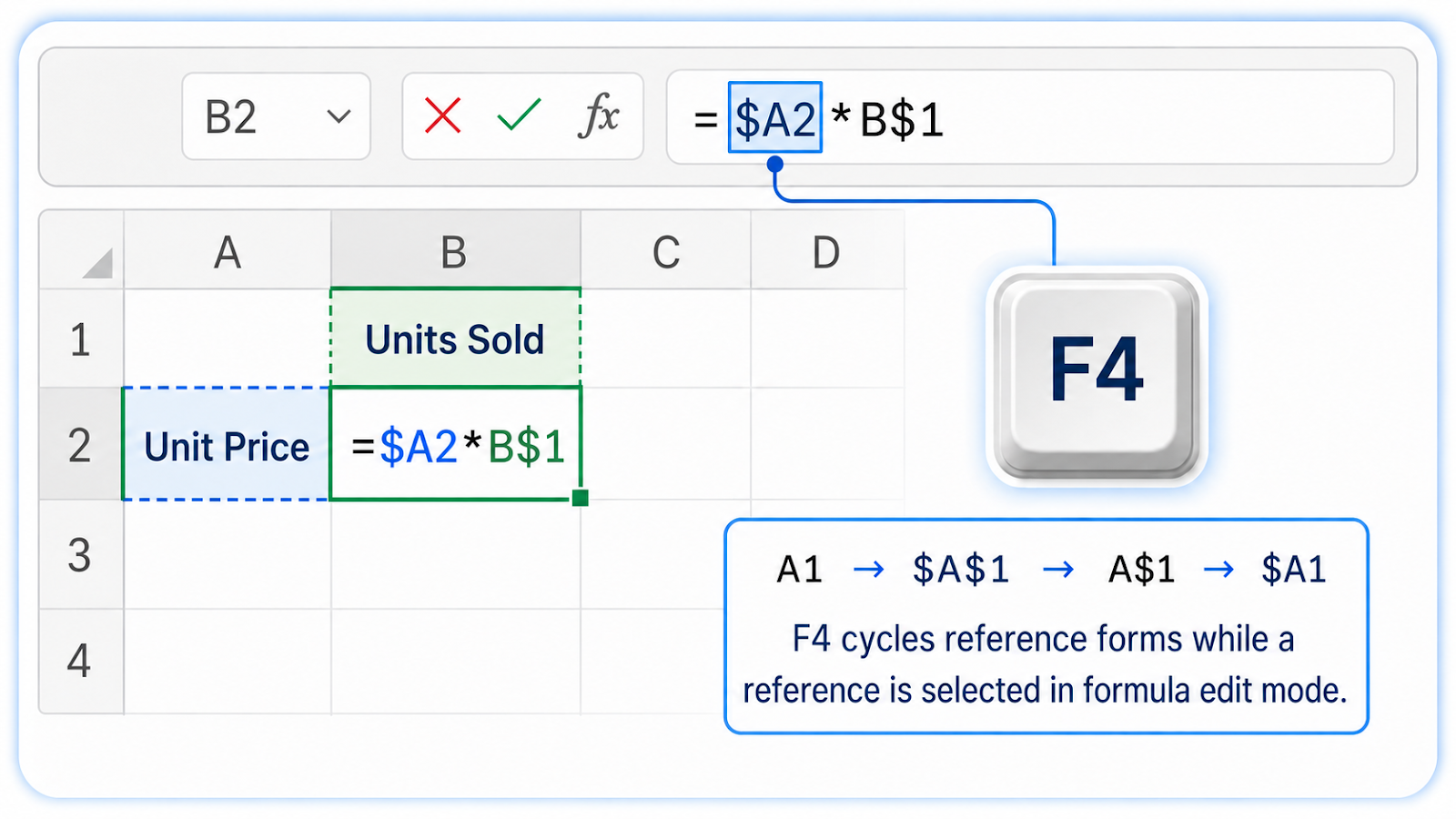
- Press F4 repeatedly to review A1, $A$1, A$1, and $A1.
- Choose the form that should remain fixed when copied.
- Test the copied formula; use F4 outside edit mode only after confirming the action you want repeated.
Common shortcut mistakes
| Mistake | Risk |
|---|---|
| Pressing F4 when the reference is not selected | Excel may repeat another action instead. |
| Assuming every action can be repeated | Some commands are not supported by the repeat feature. |
| Locking the wrong part | A$1 locks the row, while $A1 locks the column. |
| Using laptop function keys without the Fn modifier | Keyboard hardware settings may change how F4 is sent. |
| Repeating destructive formatting or deletion | Check the active selection first. |

Mixed references make F4 especially useful
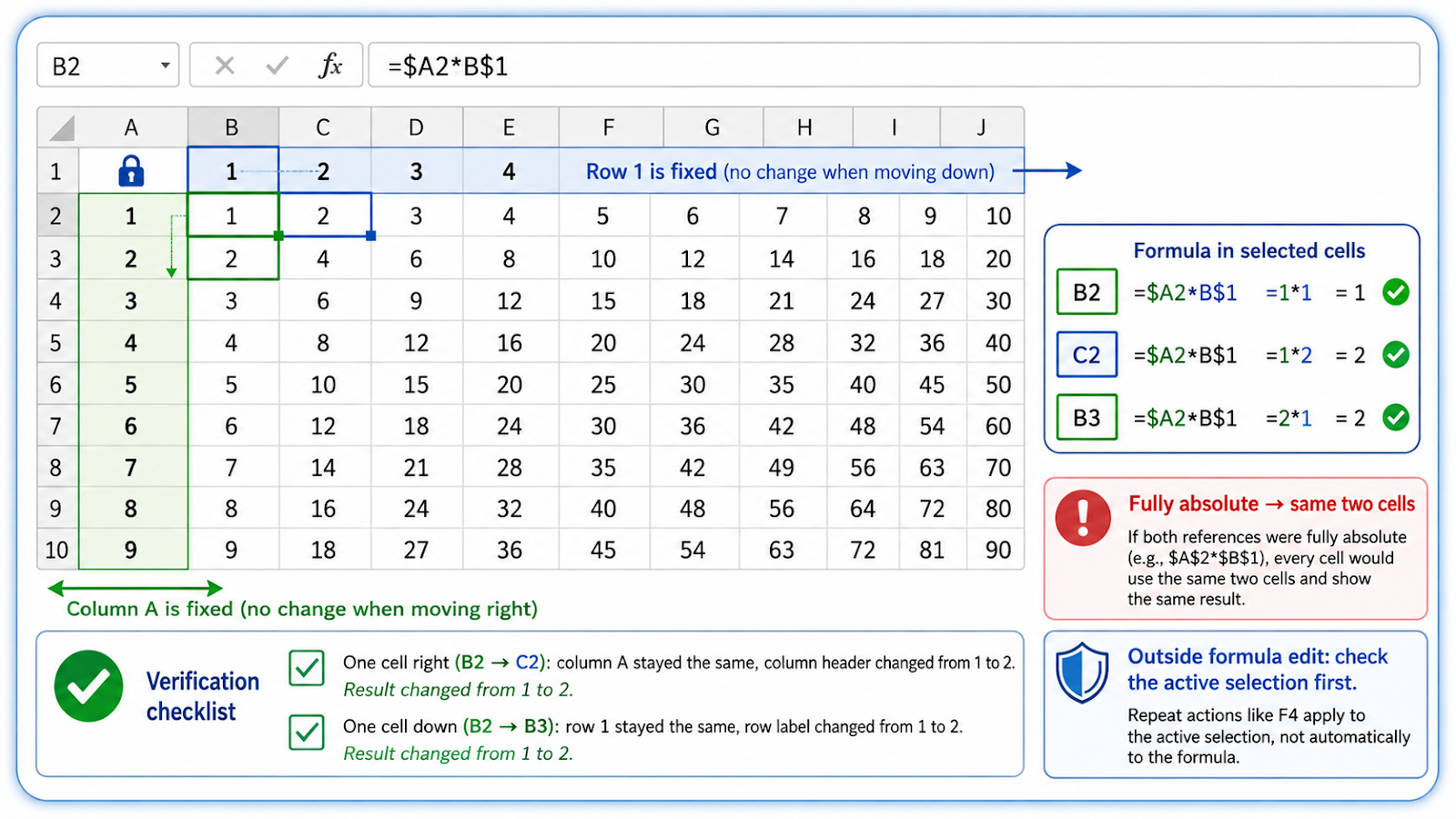
A multiplication-table style formula shows the difference clearly. If row labels are in A2:A10 and column labels are in B1:J1, a formula in B2 can use =$A2*B$1. The dollar sign before A locks the label column as the formula moves right, while the dollar sign before 1 locks the header row as the formula moves down. F4 lets you cycle to those mixed-reference forms while editing the reference.
Test the copied formula in at least one cell to the right and one cell below. If both references became fully absolute, every result may point to the same two cells; if neither part is locked, both references move. Outside formula editing, F4’s repeat behavior is a separate feature. Check the active selection before using it to repeat formatting, row insertion, or another action that could affect a large range.
Separate formula-edit F4 from repeat-action F4
These two uses happen in different contexts. While editing a formula reference, F4 cycles the dollar-sign pattern. When Excel is not in formula edit mode, F4 may repeat the last supported worksheet action. If a user expects to lock a reference but the cursor is not inside the formula, they can accidentally repeat formatting or another command instead. Check the formula bar and active selection before pressing F4 repeatedly.
Frequently asked questions
Why does F4 change screen brightness?
Some keyboards require Fn + F4 or a function-key setting change.
Can F4 lock a whole range?
It cycles the reference format for the selected range reference in the formula.
What is the difference between $A1 and A$1?
The first locks the column; the second locks the row.
Why did F4 not repeat my command?
The previous action may not be repeatable or the workbook may still be in formula-edit mode.
Continue building reliable Excel workflows
Browse more lessons in the OneXcel Tutorial Hub or explore free Excel resources.