
ONEXCEL TUTORIAL CATEGORY
Excel Automation & VBA
Practical Excel automation and VBA tutorials.
-
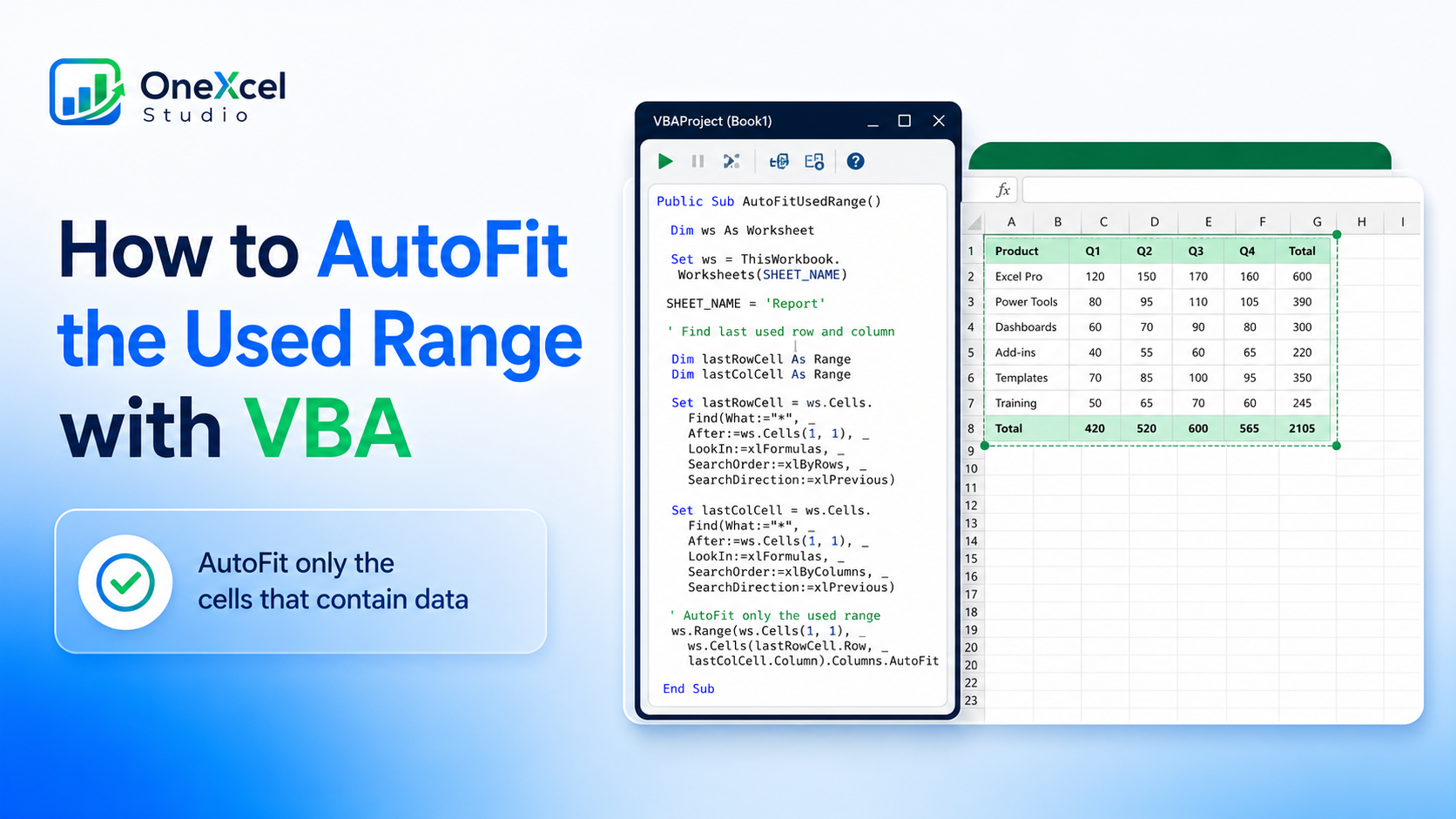
How to AutoFit the Used Range with VBA
Read tutorial →: How to AutoFit the Used Range with VBAUse VBA to AutoFit the actual used range in Excel and avoid expanding unused rows or columns unnecessarily.
-
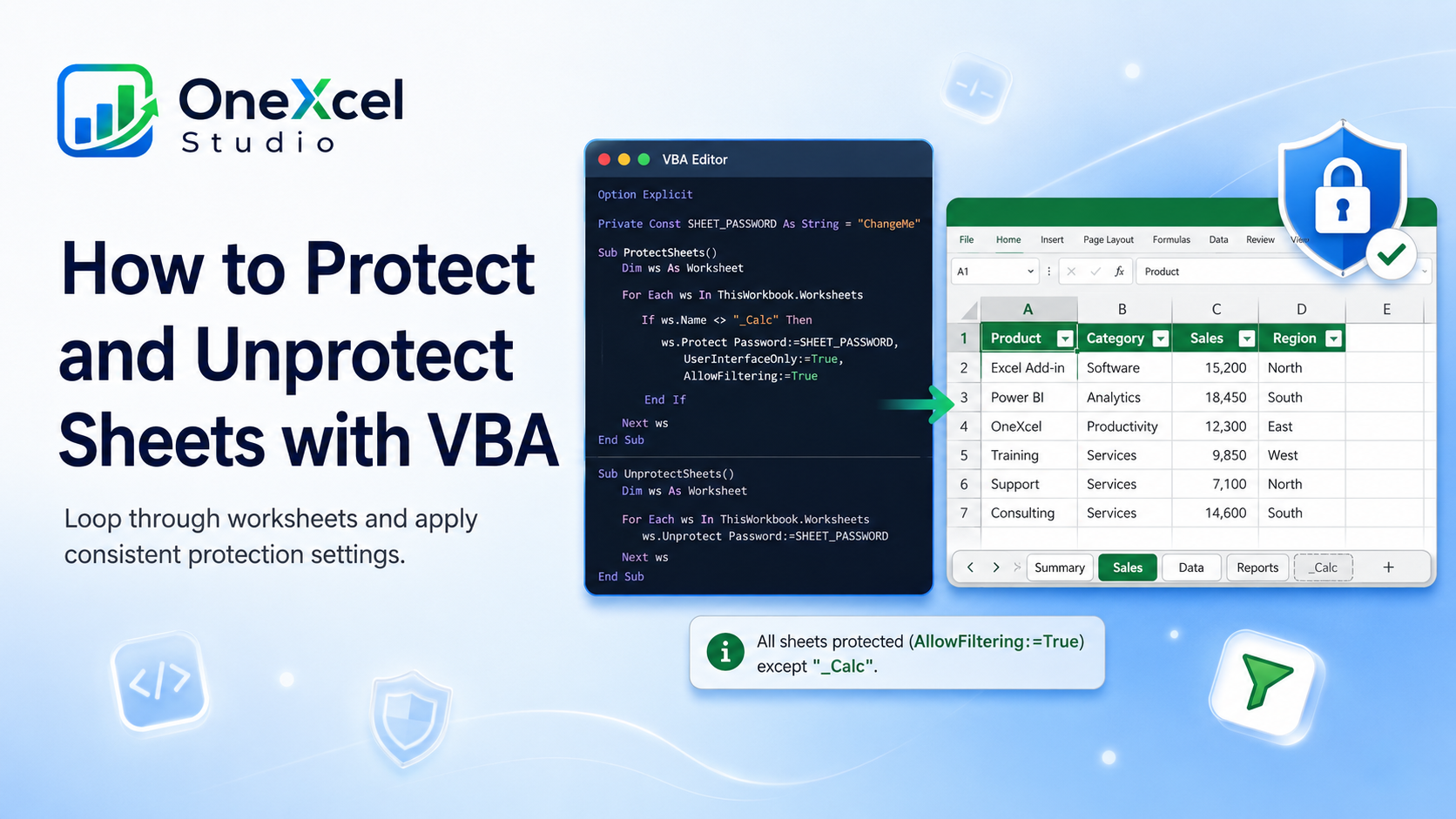
How to Protect and Unprotect Sheets with VBA
Read tutorial →: How to Protect and Unprotect Sheets with VBAProtect or unprotect multiple Excel worksheets with VBA while keeping the allowed user actions consistent across the workbook.
-

How to Refresh All Queries and PivotTables with VBA
Read tutorial →: How to Refresh All Queries and PivotTables with VBACreate a VBA macro that refreshes Excel queries, connections, and PivotTables, then confirms when the update is complete.
-
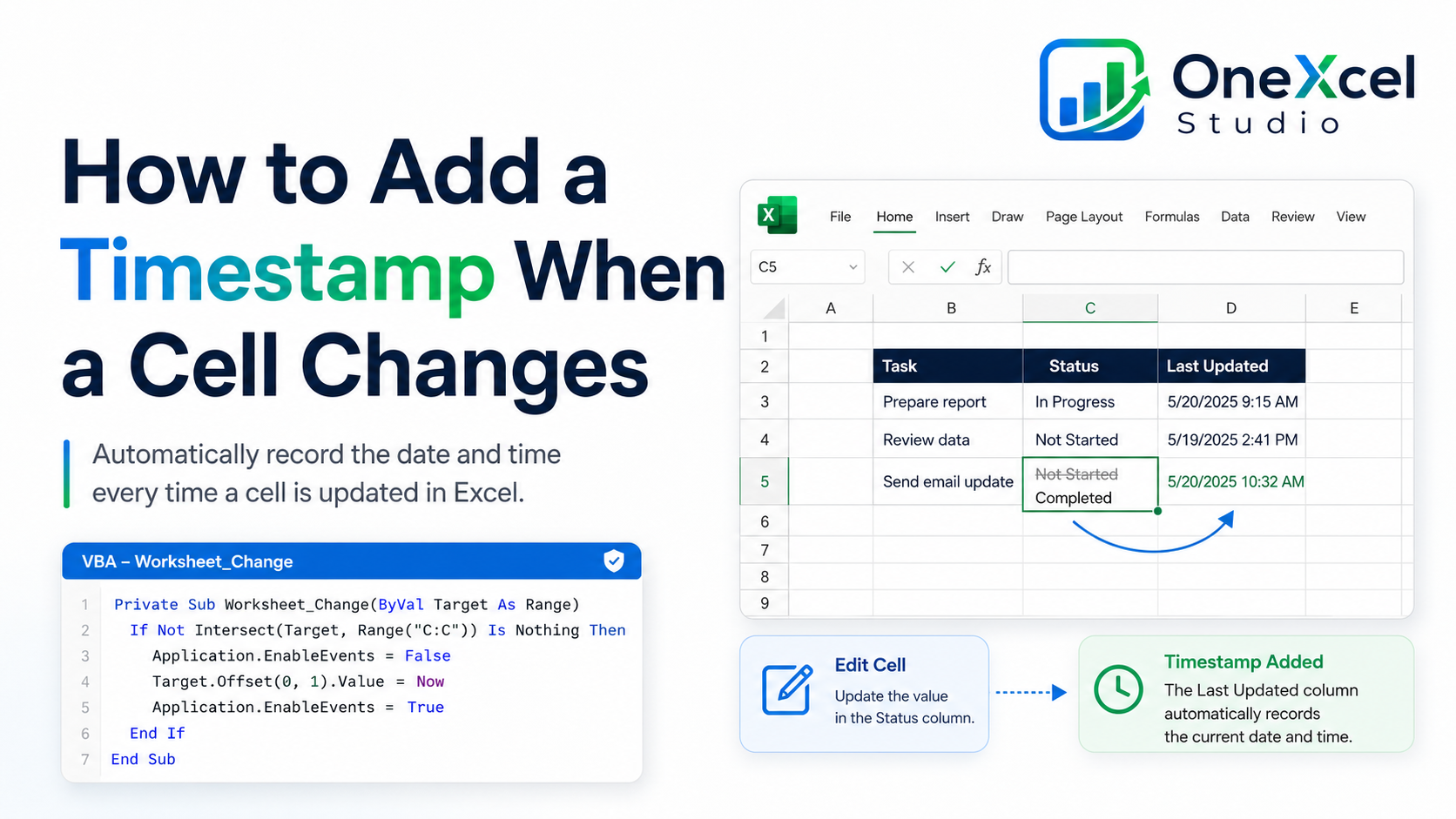
How to Add a Timestamp When a Cell Changes
Read tutorial →: How to Add a Timestamp When a Cell ChangesAdd a fixed timestamp in Excel with VBA whenever a monitored cell changes, while preventing repeated event triggers.
-
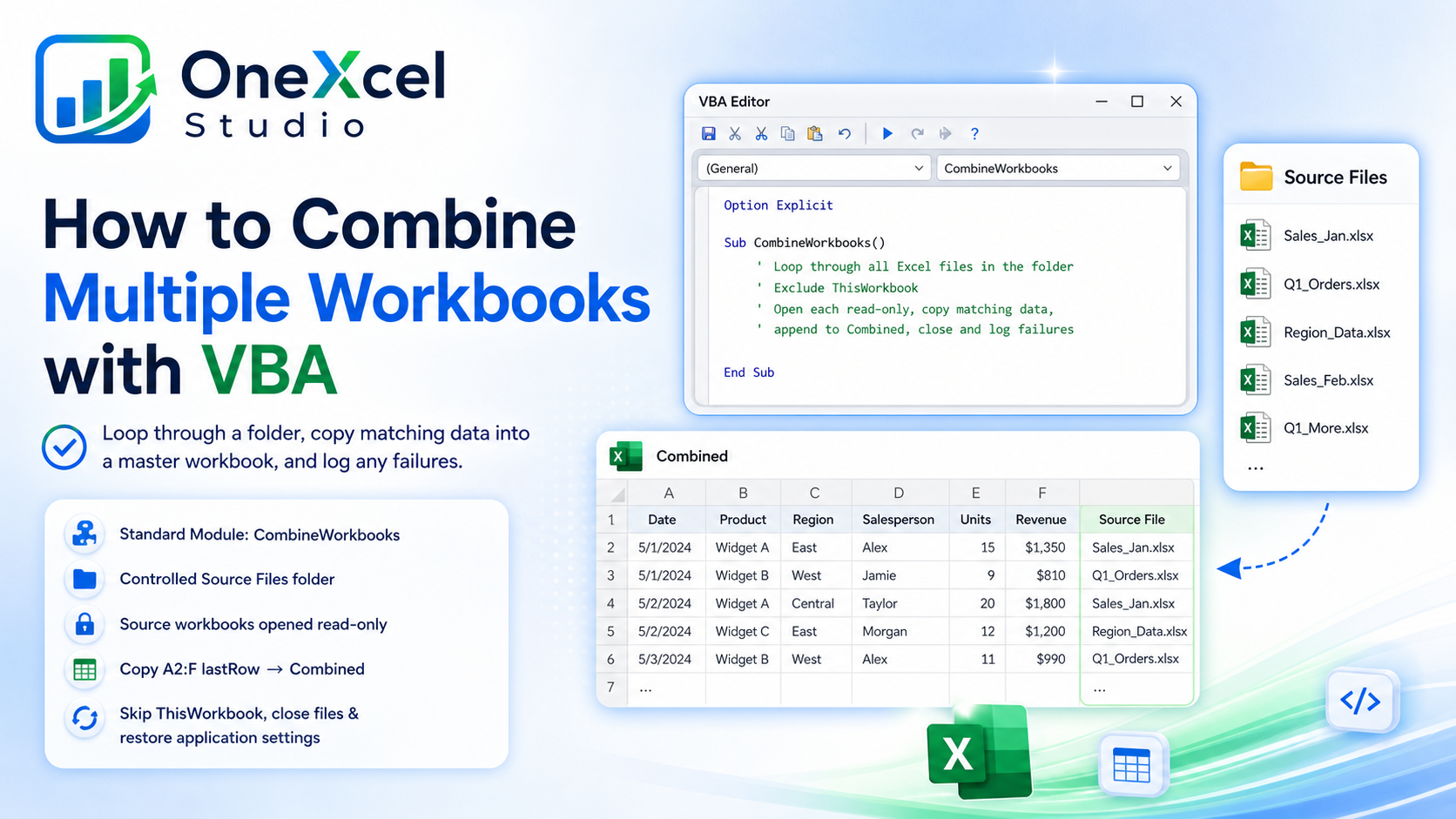
How to Combine Multiple Workbooks with VBA
Read tutorial →: How to Combine Multiple Workbooks with VBACombine multiple Excel workbooks with VBA by looping through a folder, copying matching data, and logging files that fail.
-

How to Export an Excel Sheet to PDF with VBA
Read tutorial →: How to Export an Excel Sheet to PDF with VBAExport an Excel worksheet to PDF with VBA using a clear filename, chosen folder, and basic error checks.
-
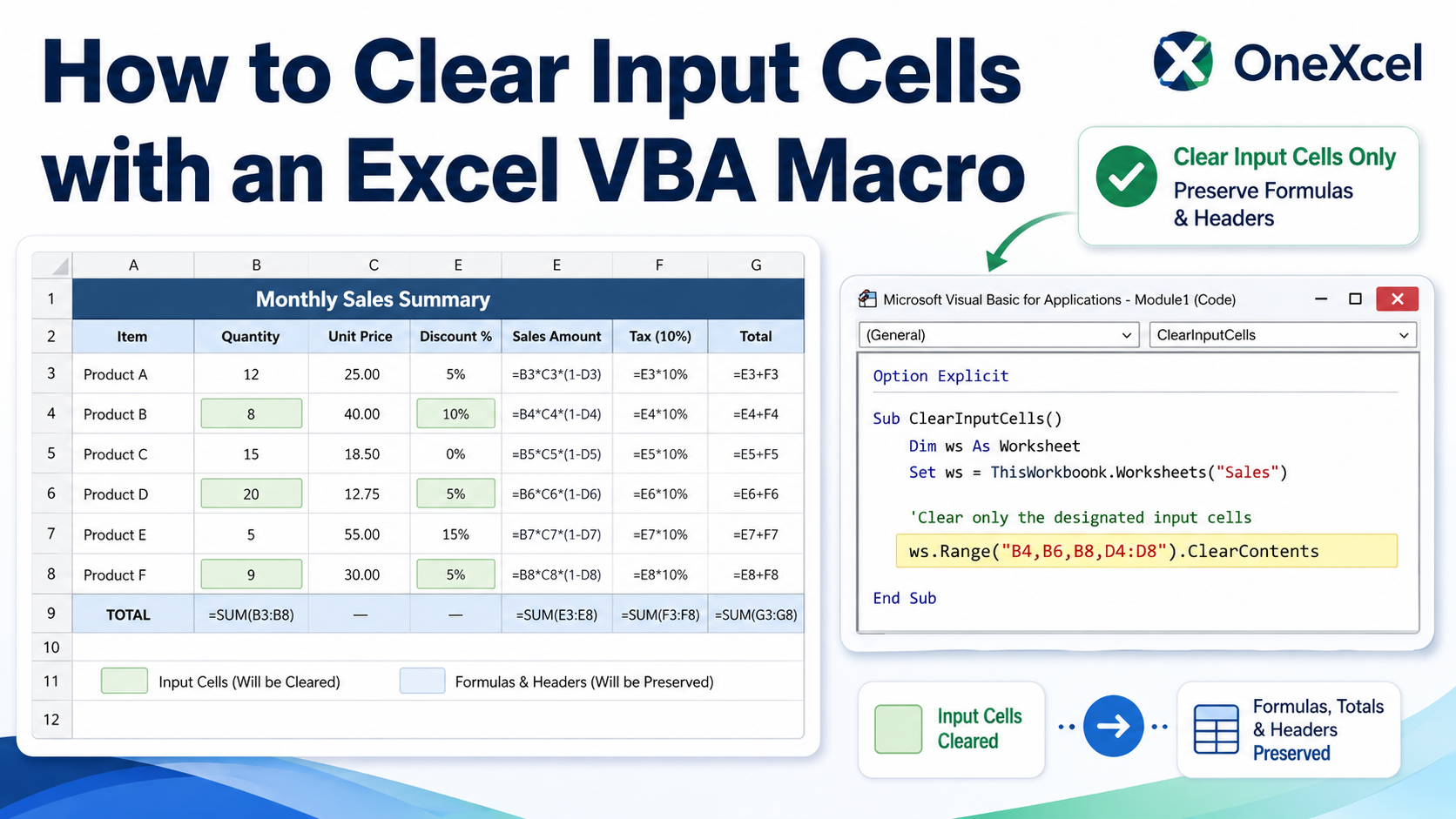
How to Clear Input Cells with an Excel VBA Macro
Read tutorial →: How to Clear Input Cells with an Excel VBA MacroCreate a VBA macro that clears designated Excel input cells while preserving formulas, labels, formatting, and calculated results.