
ONEXCEL TUTORIAL CATEGORY
Templates & Business Workflows
Excel template, reporting, tracking, and business-workflow tutorials.
-
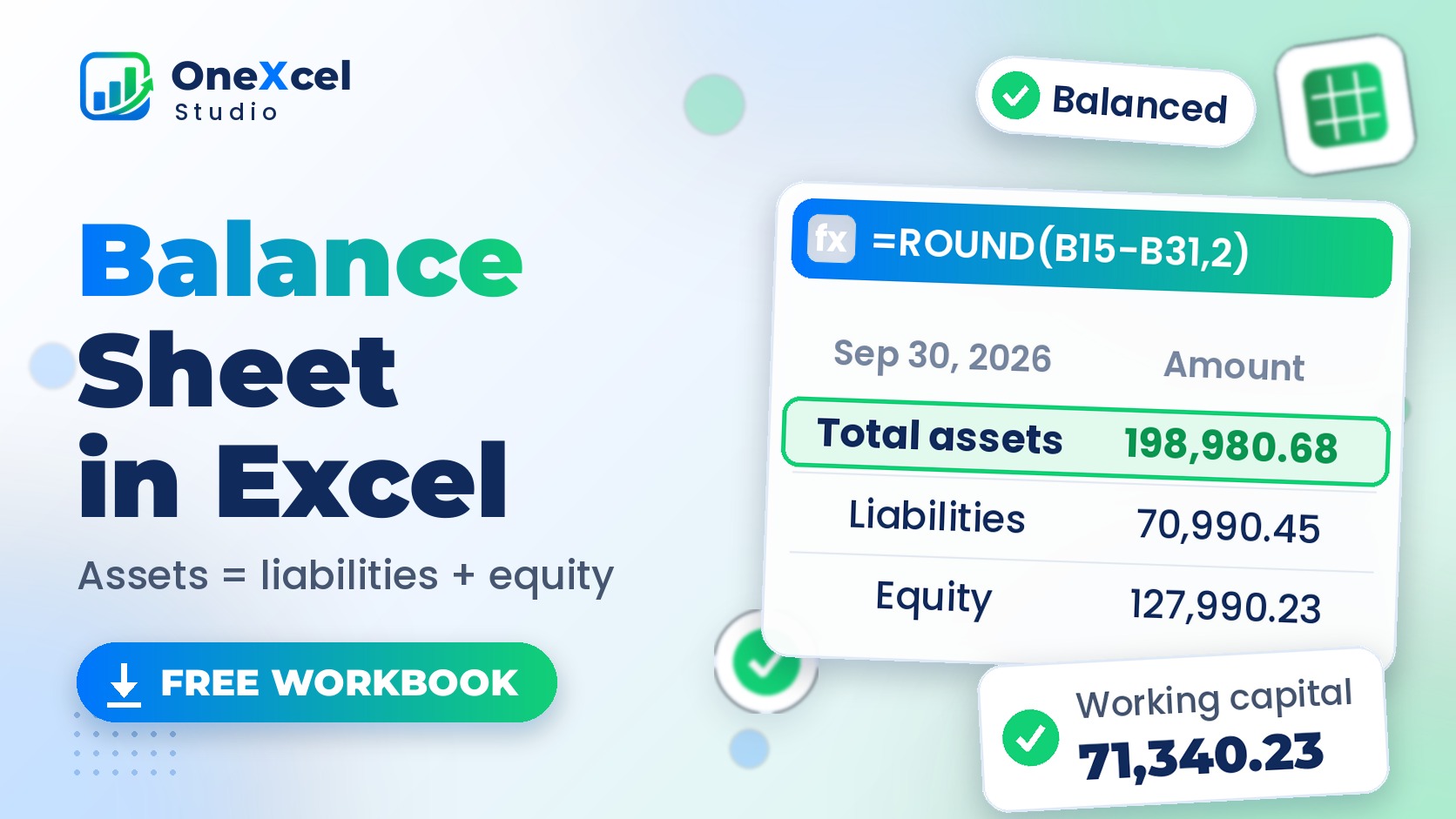
Balance Sheet in Excel: Free Template That Checks Itself
Read tutorial →: Balance Sheet in Excel: Free Template That Checks ItselfBuild a balance sheet in Excel from your account balances with SUMIFS: current and non-current lines, a balance check, retained earnings and ratios.
-
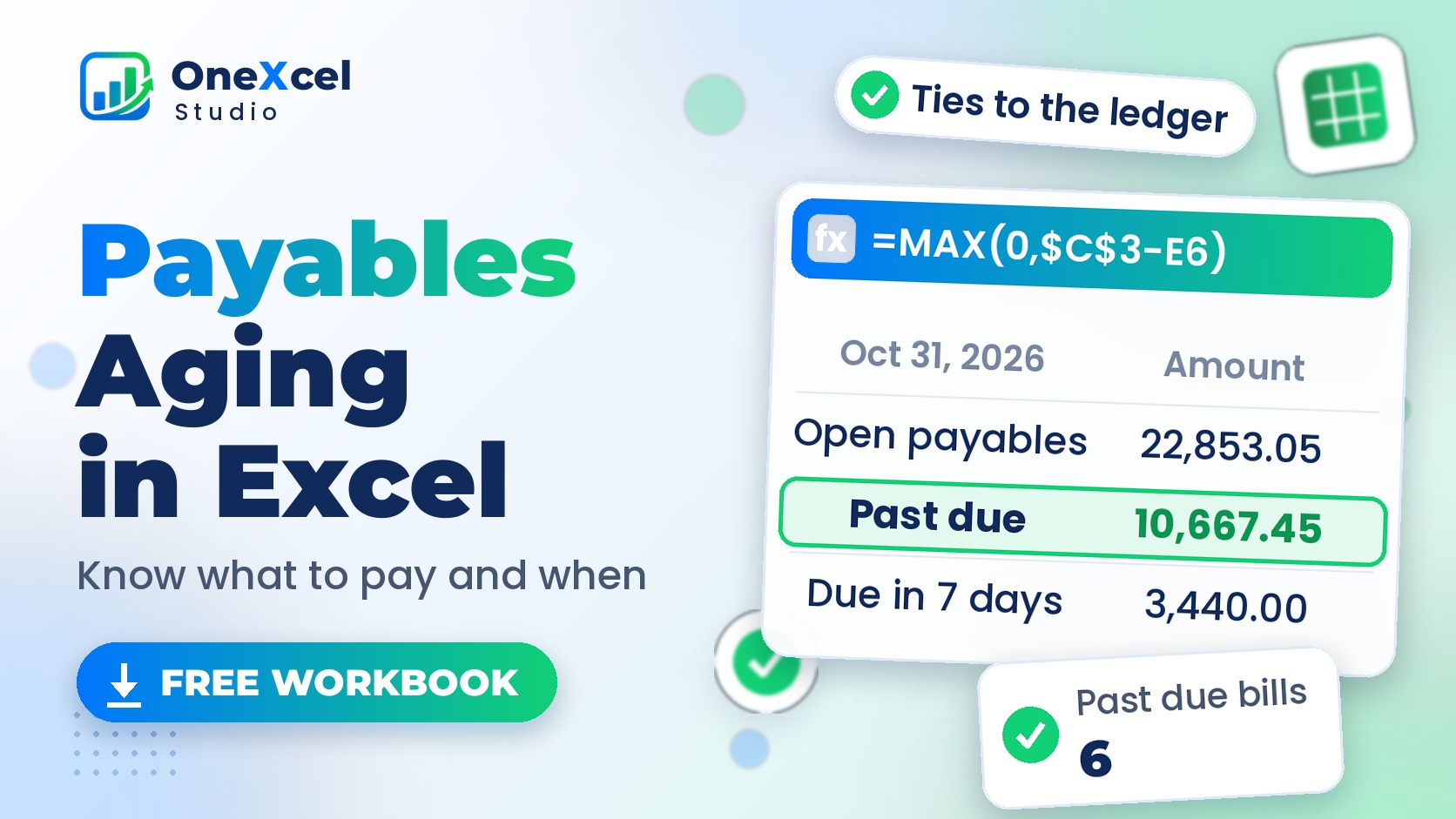
Accounts Payable Aging Report in Excel (Free Template)
Read tutorial →: Accounts Payable Aging Report in Excel (Free Template)Build an accounts payable aging report in Excel: due dates, days past due, aging buckets, a SUMIFS vendor summary, cash plan and ledger tie-out. Free template.
-
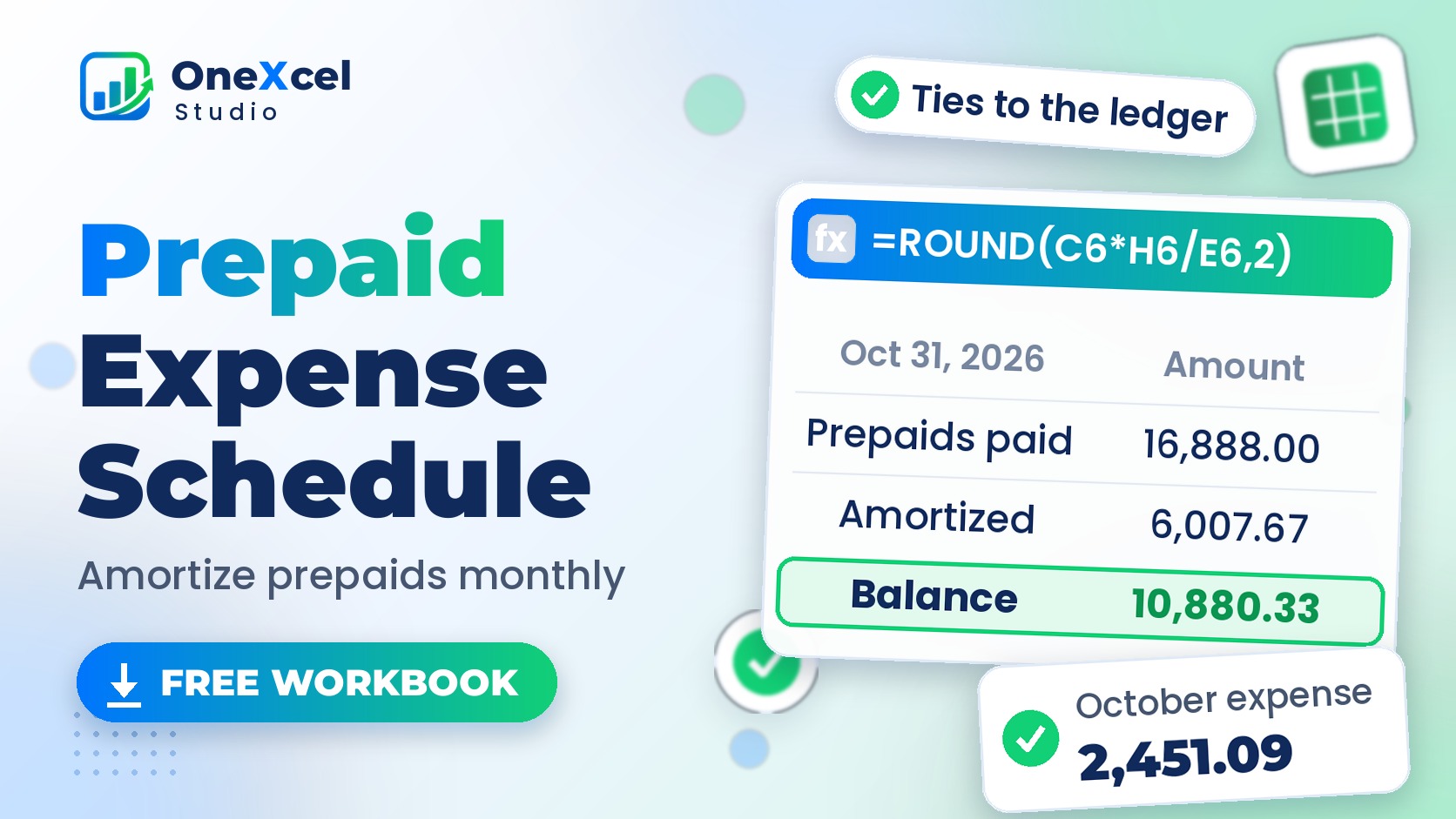
Prepaid Expense Amortization Schedule in Excel (Free Template)
Read tutorial →: Prepaid Expense Amortization Schedule in Excel (Free Template)Free prepaid expense amortization schedule in Excel: months used, balance, monthly expense to the cent, a full-year grid and the month-end journal entry.
-
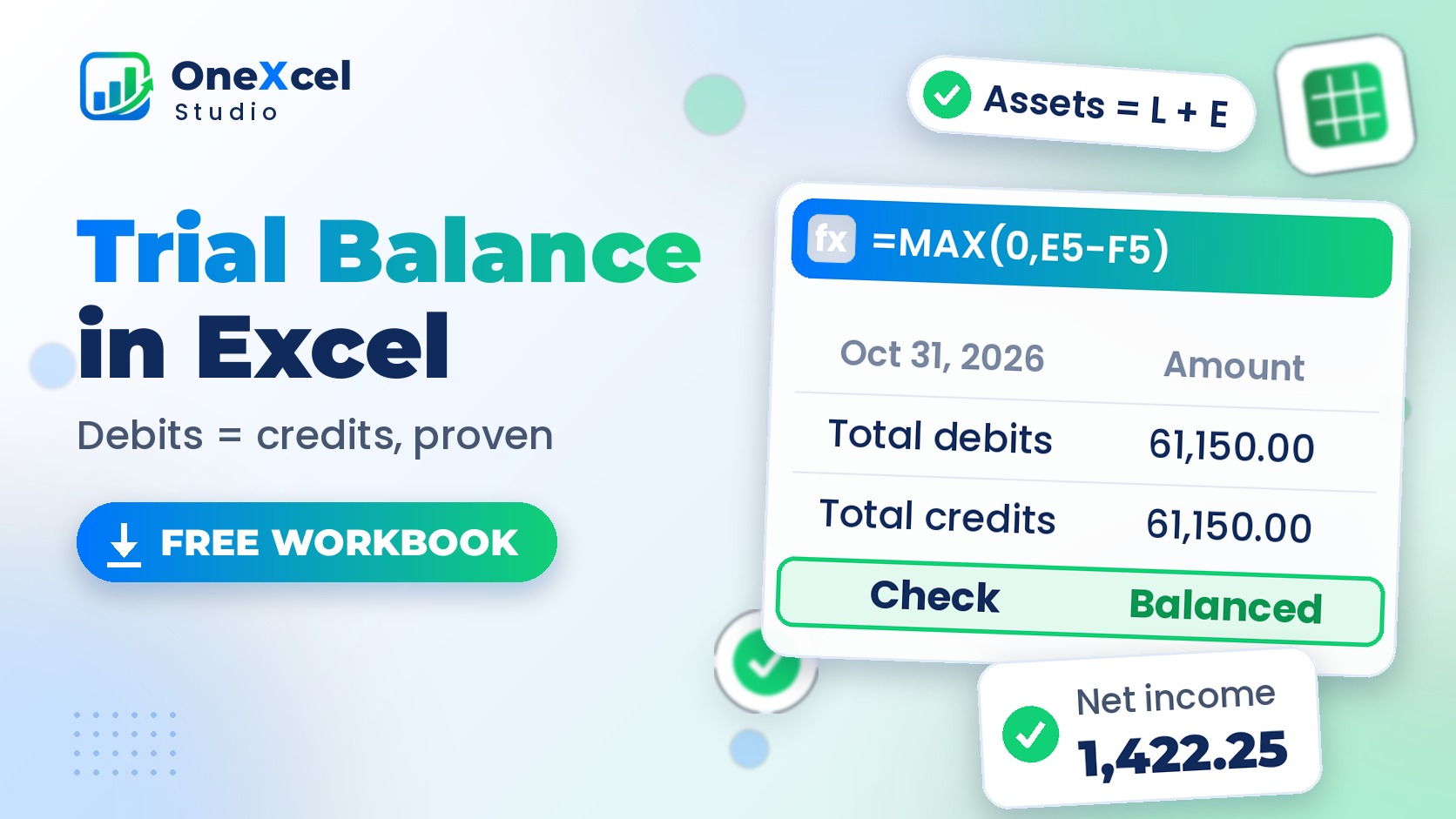
Trial Balance in Excel: Free Template from the General Ledger
Read tutorial →: Trial Balance in Excel: Free Template from the General LedgerBuild a trial balance in Excel from your general ledger with SUMIFS: debit and credit columns, automatic error checks, net income and a free template.
-
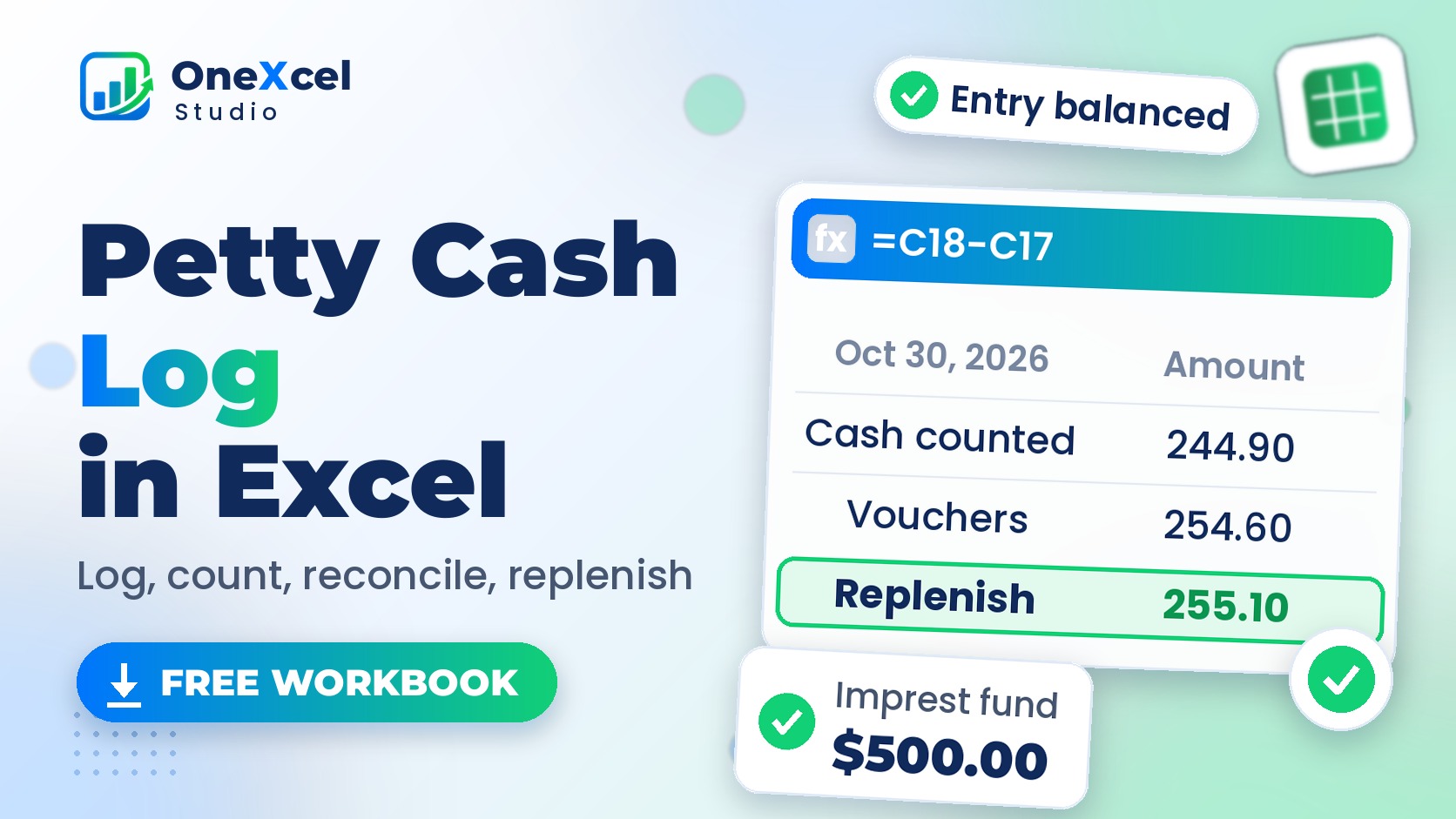
Petty Cash Log in Excel (Free Template + Reconciliation)
Read tutorial →: Petty Cash Log in Excel (Free Template + Reconciliation)Free Excel petty cash log template: record vouchers, keep a running balance, count the cash, reconcile the imprest fund and create the replenishment entry.
-
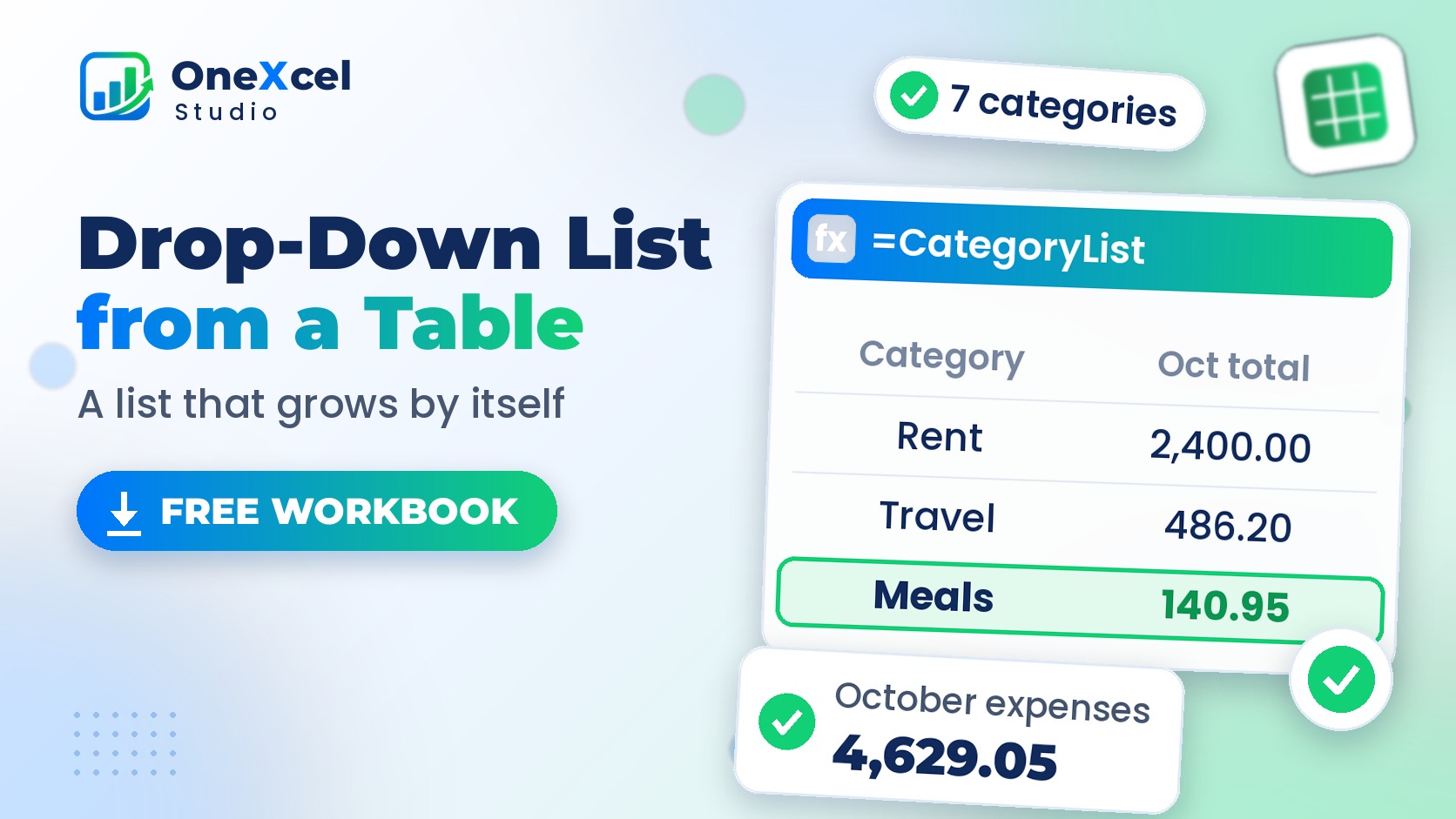
Data Validation Drop-Down List from a Table (Auto-Expanding)
Read tutorial →: Data Validation Drop-Down List from a Table (Auto-Expanding)Create an Excel data validation drop-down list from a Table that expands automatically when you add items, plus a check for pasted entries the list missed.
-
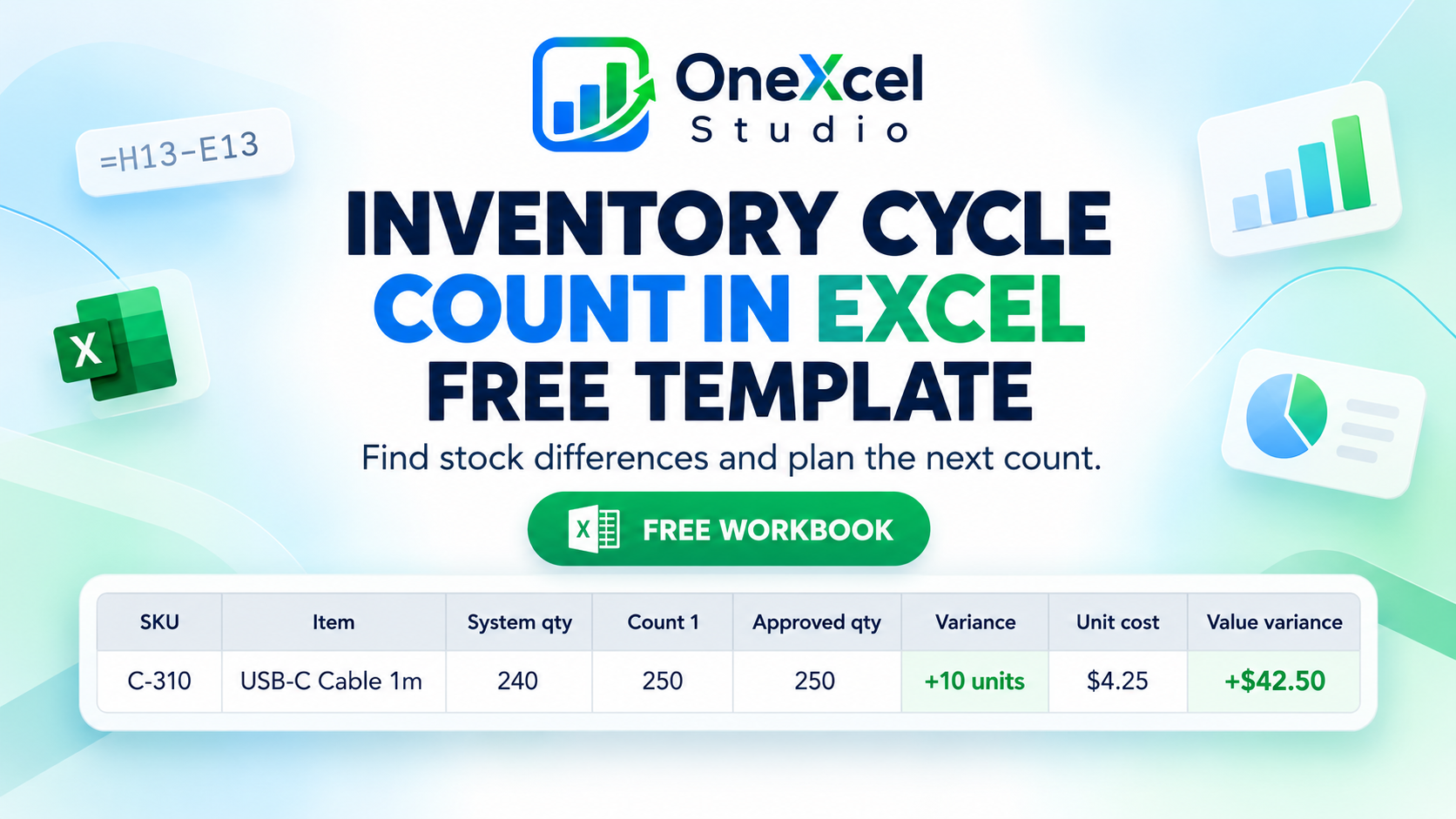
Inventory Cycle Count in Excel (Free Template + Variance Tracker)
Read tutorial →: Inventory Cycle Count in Excel (Free Template + Variance Tracker)Create an inventory cycle count in Excel with blind counts, recounts, unit and value variances, investigation notes, and a follow-up schedule. Download the free template.
-
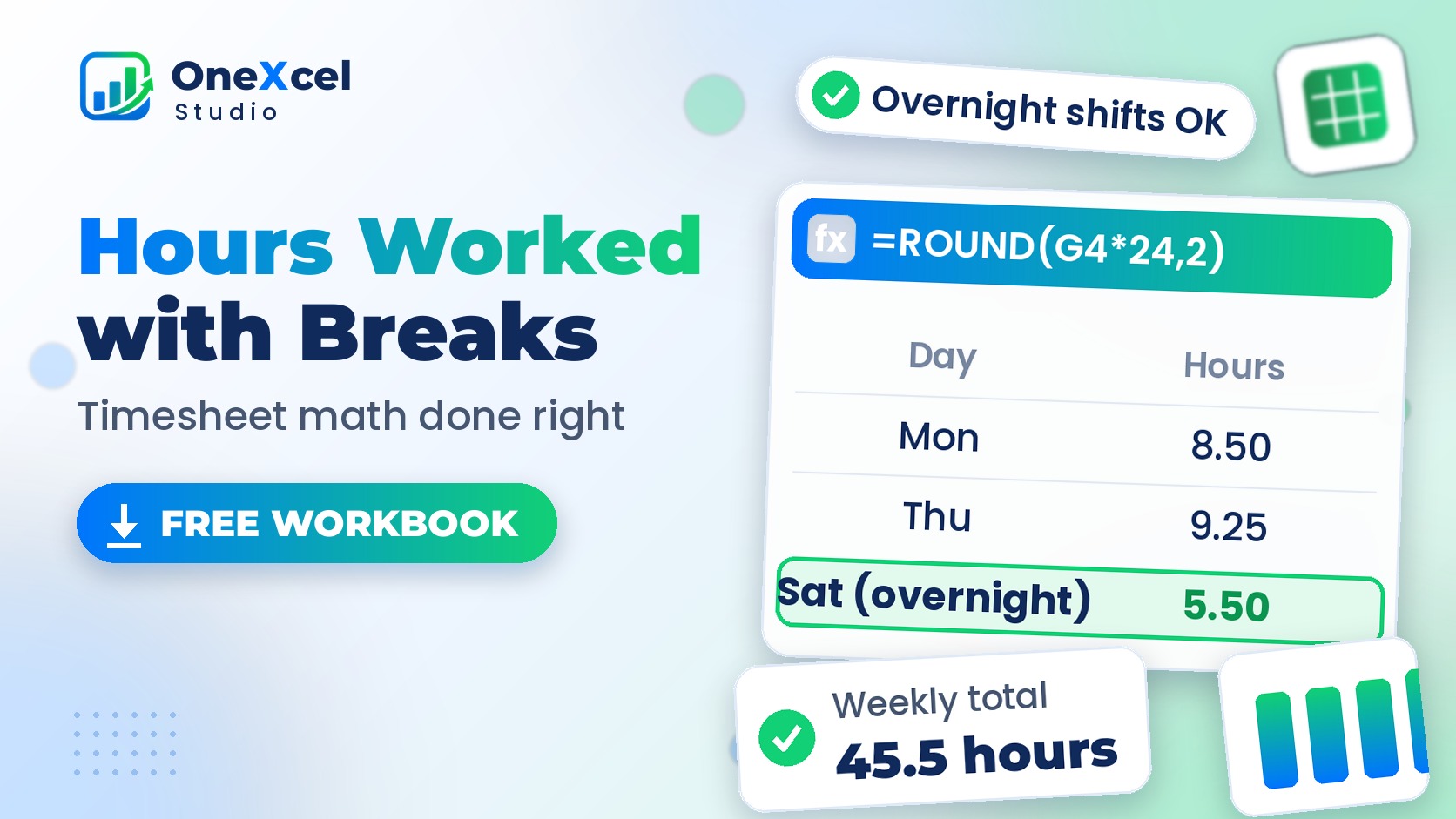
Hours Worked Formula in Excel with Breaks (Free Timesheet)
Read tutorial →: Hours Worked Formula in Excel with Breaks (Free Timesheet)Calculate hours worked in Excel with lunch breaks and overnight shifts, total the week with [h]:mm, and work out overtime and gross pay. Free timesheet.
-
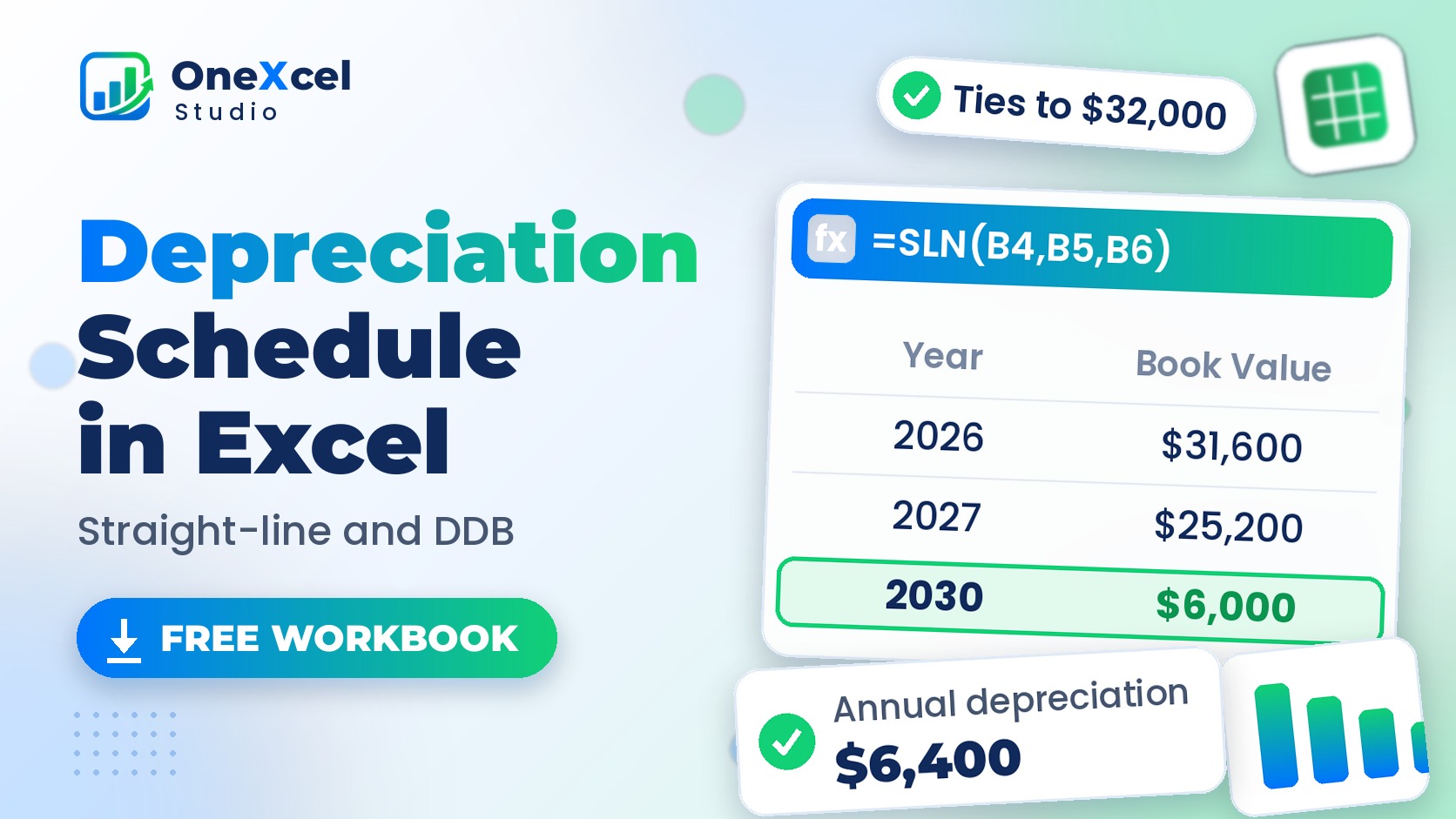
Depreciation Schedule in Excel: SLN and DDB (Free Template)
Read tutorial →: Depreciation Schedule in Excel: SLN and DDB (Free Template)Build a depreciation schedule in Excel with SLN and DDB formulas, accumulated depreciation, book value and an asset register by in-service date. Free template.
-
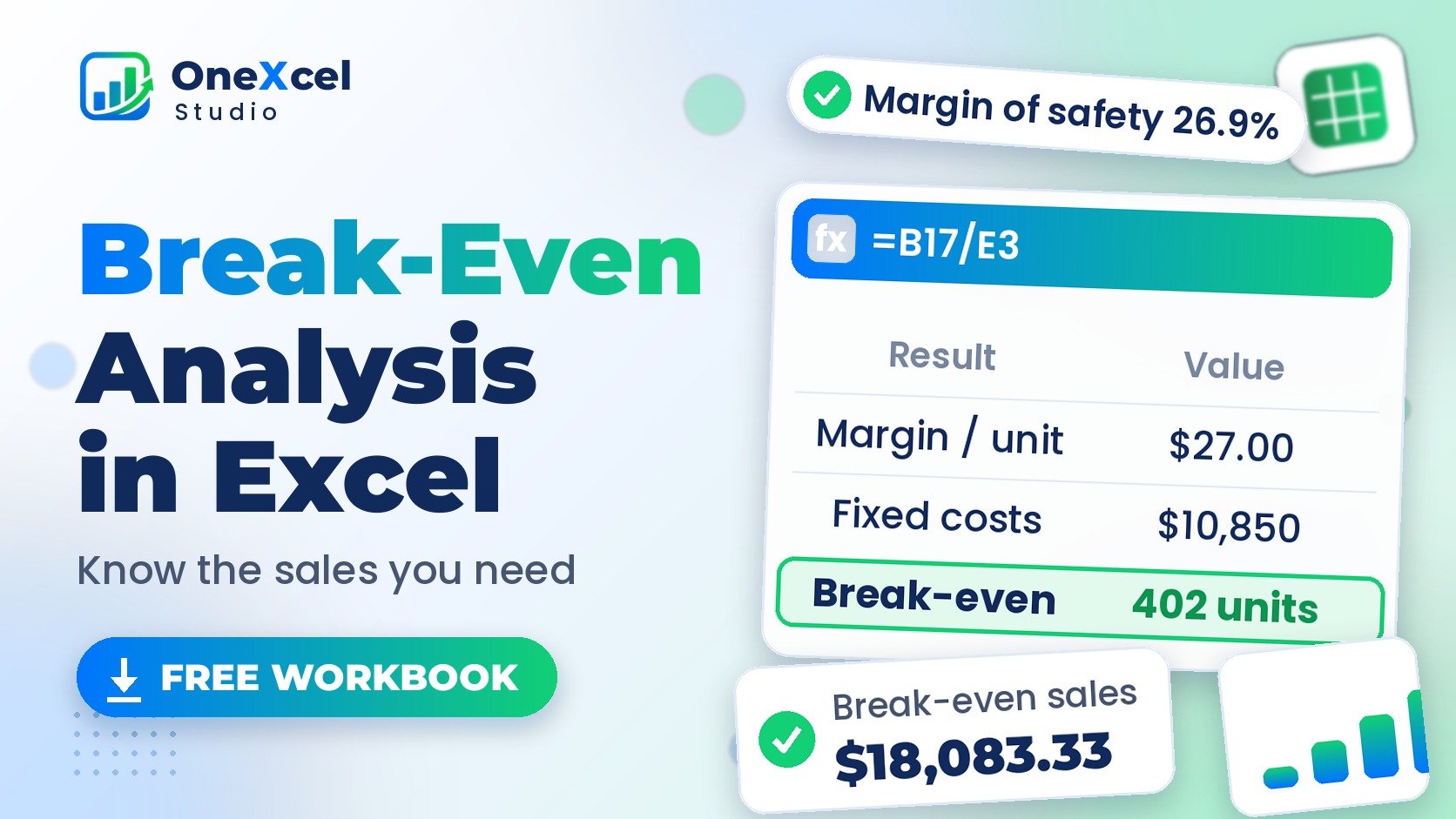
Break-Even Analysis in Excel: Formula, Chart and Goal Seek
Read tutorial →: Break-Even Analysis in Excel: Formula, Chart and Goal SeekDo a break-even analysis in Excel: contribution margin, break-even point formula in units and sales, target profit, a break-even chart and Goal Seek.